

- Robotics
- Ages 10–15
- Beginner to Intermediate
Arduino Robotics
Wire real circuits and program robots that sense and react.
Students wire real circuits and program an Arduino to control motors and sensors, the same approach used in engineering labs. They learn how robots sense the world and decide what to do.
 Ask on WhatsApp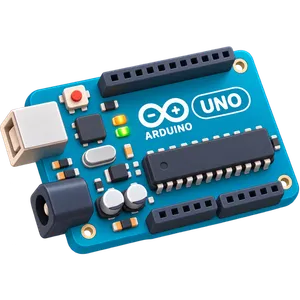
- Ages10–15 years
- LevelBeginner to Intermediate
- ClassesLive, 1-on-1 with a trainer
- Duration1 hr each class, 75 classes
- KitArduino kit, shipped to your home
- FeesSimple monthly fees, no upfront cost
What your kid will build
A structured curriculum from electronics fundamentals to advanced AI and robotics.
- 75Live classes
- 52Hands-on projects
- 3Skill levels
- 120+Electronic components
- 01LED Blink
- 02LED Traffic Lights
- 03RGB LED Colors
- 04User Input Controlled LED
- 05Button Controlled LED
- 06LED Toggle Switch
- 07Push Button Buzzer Piano
- 08App Controlled LED
- 09Voice & QR Controlled LED
- 10Automatic Street Lights
- 11LED Brightness Control
- 12LED Chaser Speed Control
- 13Button Controlled Mini Fan
- 14Robot Car Assembly & Movements
- 15Light Following Robot
- 16App Controlled Robot
- 17Gesture Controlled Robot
- 18Motion Activated LED
- 19Input Controlled Servo Motor
- 20Arduino Sunflower (Light Tracker)
- 21Reading Joystick Values
- 22Soccer Penalty Shootout
- 23Joystick Controlled Robot
- 24Display Names on LCD
- 25Scrolling Input Text on LCD
- 26App Controlled LCD Display
- 27Math Quiz Game on LCD
- 28NeoPixel Color Effects
- 29NeoPixel Color Shooter
- 30Ultrasonic Distance Meter
- 31Water Tank Level Indicator
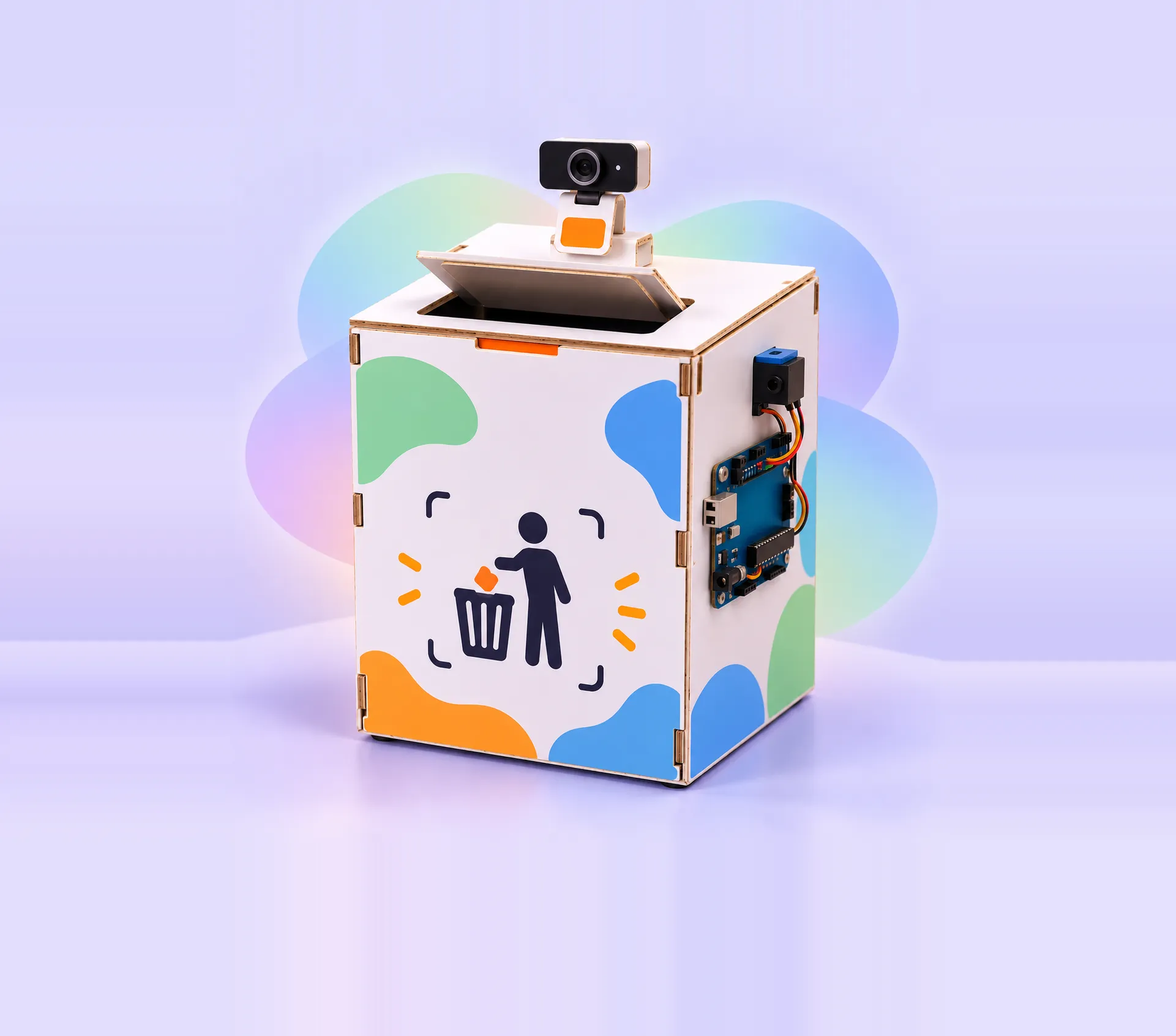
- 32Automatic Dustbin
- 33Obstacle Avoidance Robot
- 34Automatic Door Opener
- 35Smart Parking System
- 36Line Following Robot
- 37Automatic Water Dispenser
- 38Automatic Plant Watering System
- 39Tilt Direction Indicator
- 40Digital Spirit Level Indicator
- 41Tilt Controlled Maze Game
- 42Temperature & Humidity Monitor
- 43Weather Monitoring App
- 44Interactive Sensor Story
- 45Display Input Text on Dot Matrix
- 46Catch the Pixel Game
- 47Keypad Controlled RGB LED
- 48Keypad Based Voting System
- 49Password Door Lock System
- 50Keypad Based Math Calculator
- 51LiveCam Arduino Delivery Robot
- 52AI Home Automation System
What they'll learn
Real engineering skills, built one project at a time through thinking, coding, and creating.
- 01Build real electronic circuits with LEDs, buttons, buzzers and motors
- 02Write Arduino code in C/C++, the same language engineers use
- 03Use sensors to measure light, distance, motion, tilt, temperature and humidity
- 04Build and program robots that follow lines, light and hand gestures
- 05Show text, colours and games on LCD, dot-matrix and NeoPixel displays
- 06Control their projects with a phone app, voice commands and QR codes
- 07Design smart-home systems: automatic doors, parking, plant watering and password locks
- 08Turn electronics into games: a piano, a penalty shootout, a maze and a quiz
- 09Connect projects to the internet (IoT) and add AI, like a live-camera robot
- 10Think like an engineer: plan, test, debug and fix problems on their own
- Board & software
- Arduino UnoArduino IDETinkercad CircuitsBreadboard & jumper wires
- Sensors
- Ultrasonic distance sensorInfrared line sensorsLight sensor (LDR)Motion sensorTilt sensorTemperature & humidity sensor
- Motors & sound
- DC motors & motor driverServo motorMini fanBuzzer
- Displays & lights
- LEDs & RGB LEDsNeoPixel LEDsLCD screenDot-matrix display
- Controls
- Push buttonsJoystickKeypadPhone appLive camera
Made by our Arduino students
Real projects from this course. Tap a project to watch it in action.
 Arduino Robotics
AI Vision Smart Dustbin
 Arduino Robotics
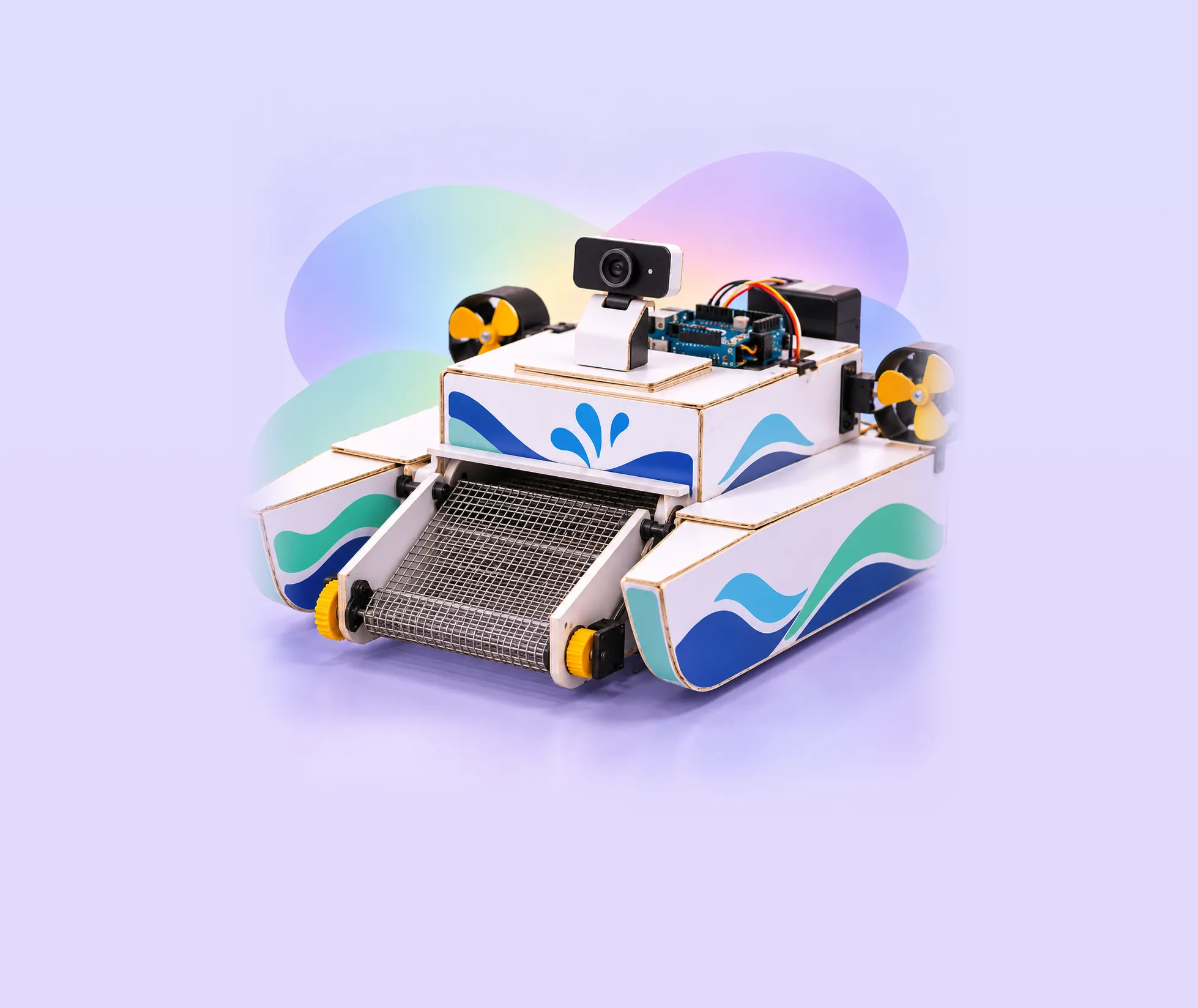
AI River Cleaning Robot
Why parents choose us
One mentor, one kid
Live 1-on-1 classes, so your kid gets the mentor's full attention.
Hands-on, every class
Real boards, sensors and motors. Your kid builds, not just watches.
Their own pace
Lessons follow your kid's level and interests, not a fixed syllabus.
See their progress
A personal learning dashboard shows what they built and learned, class by class.




Parents often ask
Does my kid need any experience?
No. Kids can start as complete beginners. In the free demo class the mentor checks what your kid already knows and recommends where to begin.
Do we need to buy a kit?
For the demo, no: a laptop or desktop with internet is enough. For the course, you can buy the Arduino kit from us and we ship it to your home, anywhere in the world.
How does the free demo class work?
Book with the form or on WhatsApp and we will message you to fix a time. Your kid joins a live session with a mentor, builds something small, and you get an honest recommendation. No payment details are needed.
What are the fees?
Want to know the course fees? Click the WhatsApp icon and message us for pricing details.
Ready to start Arduino?
Book a free demo class. Your kid builds something real in the very first session.