
- Artificial Intelligence
- Ages 11–18
- Beginner to Intermediate
Vibe Coder: Build Websites with AI
Describe it in plain English, build it with AI, then make it yours.
Students describe what they want in plain English and use AI to build it, then learn to read, test and improve the result. They finish with a live website they made themselves.
 Ask on WhatsApp
- Ages11–18 years
- LevelBeginner to Intermediate
- ClassesLive, 1-on-1 with a trainer
- Duration1 hr each class, 30 classes
- You needA laptop or desktop with internet
- FeesSimple monthly fees, no upfront cost
What your kid will build
25 real projects across three levels, from a live portfolio to an AI companion for elders.
- 30Live classes
- 25Hands-on projects
- 3Skill levels
- 01My Student Portfolio, Live Online
- 02Grandparents' Medicine Reminder
- 03Board Exam Countdown & Revision Planner
- 04Home Carbon & Electricity Calculator
- 05Website for a Real Local Business
- 06Emergency SOS Card
- 07Read-Aloud Helper
- 08Road Safety Challenge
- 09Live Air Quality Alert Dashboard
- 10AI Menu Translator
- 11Family Expense Tracker with AI Receipt Scan
- 12AI Homework Tutor in Telugu, Hindi and English
- 133D Browser Flight Simulator
- 14Live Classroom Quiz Battle
- 15Civic Problem Reporter
- 16Blood Donor Finder
- 17Online Ordering System for a Local Shop
- 18Plant Leaf Disease Detector
- 19Posture & Screen-Distance Guardian
- 20Gesture-Controlled Smart Board
- 21Handwritten Notes Scanner
- 22Scholarship & Exam Alert Agent
- 23Ask My School: AI Circular Assistant
- 24Family Safety SOS for Android
- 25CareCircle, an AI Companion for Elders
What they'll learn
Real engineering skills, built one project at a time through thinking, coding, and creating.
- 01Writing clear prompts
- 02HTML, CSS and JavaScript basics
- 03Finding and fixing mistakes
- 04Publishing a site
- 05Using AI responsibly and checking its answers
- Kit & software
- Google AntigravityFree web hosting
Kids are taught to understand and verify the code, not just paste it.
Made by our Vibe Coder AI students
Real projects from this course. Tap a project to watch it in action.
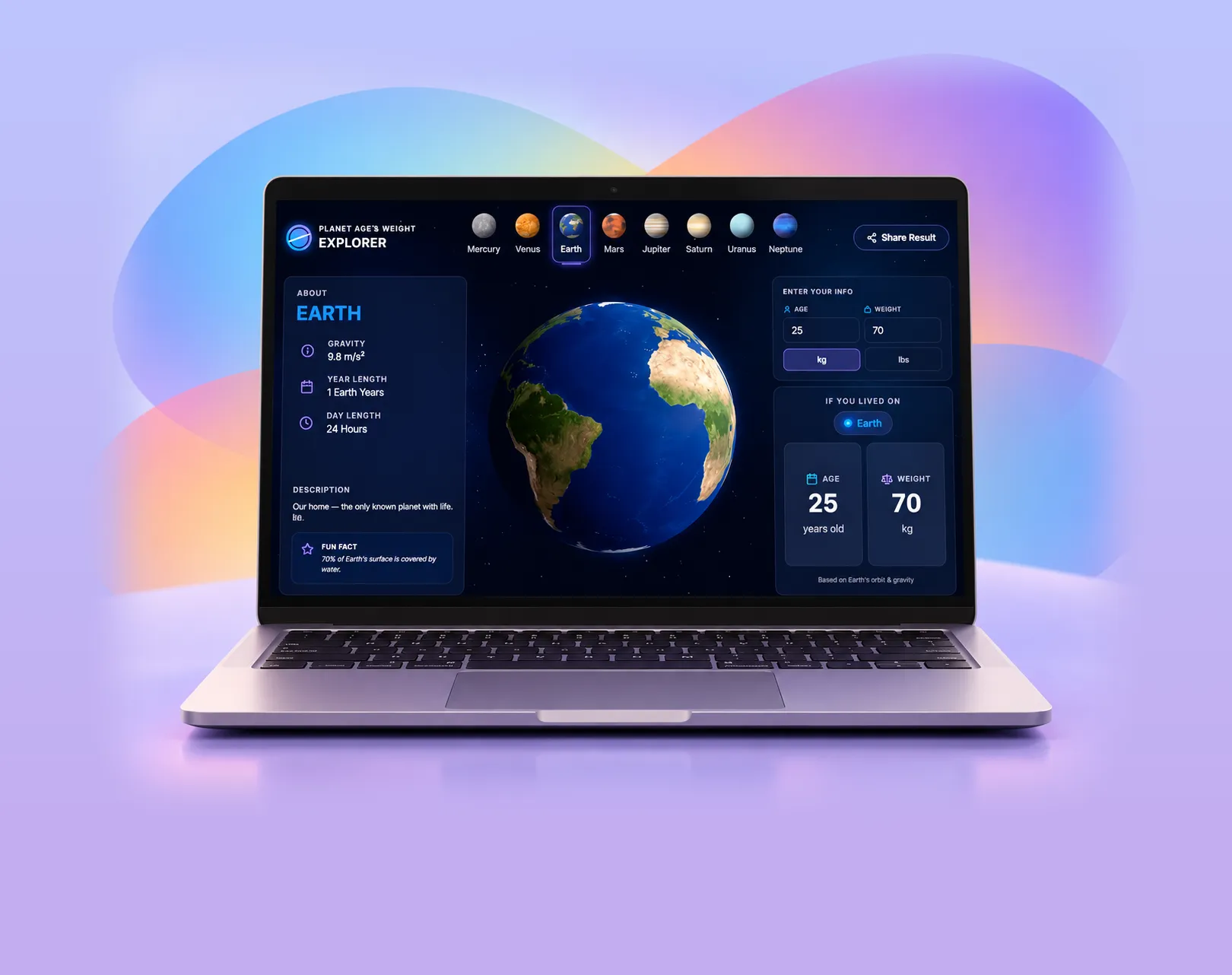 Vibe Coder
Planet Weight Explorer
Why parents choose us
One mentor, one kid
Live 1-on-1 classes, so your kid gets the mentor's full attention.
Hands-on, every class
Your kid makes real projects in every class, not just watches.
Their own pace
Lessons follow your kid's level and interests, not a fixed syllabus.
See their progress
A personal learning dashboard shows what they built and learned, class by class.




Parents often ask
Does my kid need any experience?
No. Kids can start as complete beginners. In the free demo class the mentor checks what your kid already knows and recommends where to begin.
Do we need any equipment?
Just a laptop or desktop with internet, for the demo and the course.
How does the free demo class work?
Book with the form or on WhatsApp and we will message you to fix a time. Your kid joins a live session with a mentor, builds something small, and you get an honest recommendation. No payment details are needed.
What are the fees?
Want to know the course fees? Click the WhatsApp icon and message us for pricing details.


Ready to start Vibe Coder AI?
Book a free demo class. Your kid builds something real in the very first session.