

How to Choose the Best Coding Class for Your Kid: 10 Questions to Ask
Not all coding classes are equal. Ask these 10 questions before you pay, to find a class where your kid really learns, builds and stays excited.
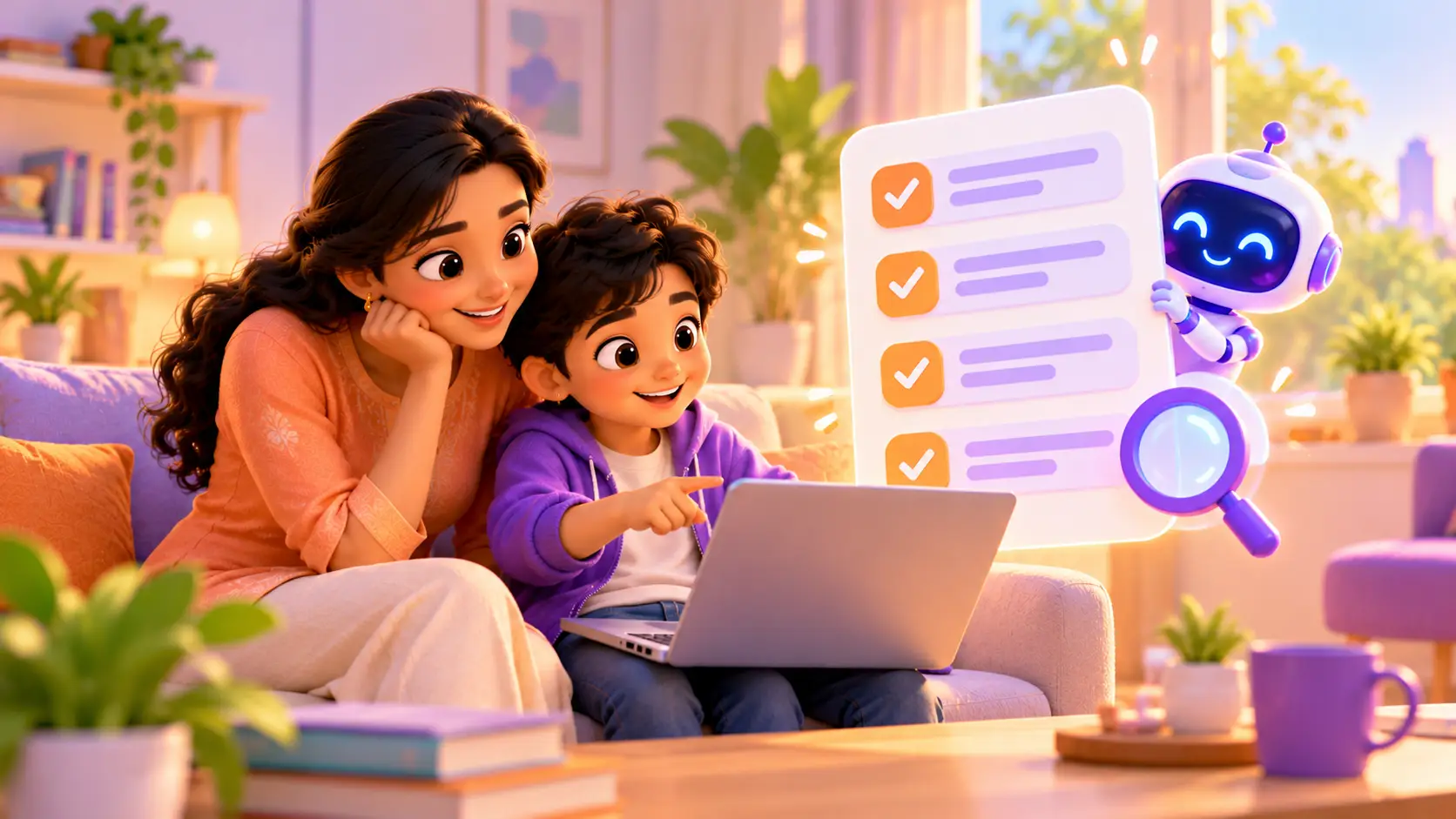
There are more coding classes for kids than ever before: big online platforms, local centres, video courses and apps. Some are brilliant. Others leave kids bored, confused or simply watching videos.
Before you choose, ask these 10 questions. They will help you find a class where your kid really learns and stays excited. After the questions, you will find red flags to avoid, a simple way to compare fees, and what to watch for in a demo class.
Why choosing the right class matters
A kid’s first coding class shapes how they feel about technology for years. A great first experience builds confidence: “I can make things.” A poor one, with boring videos or a trainer who moves too fast, can make a kid decide “coding is not for me” before they have really tried.
That is why it is worth spending a little time choosing well.
The 10 questions to ask
Use these questions when you compare classes, or when you speak to a school after a demo.
1. Will my kid build something real in every class?
Kids learn by doing. The best classes end with a working project: a game, a robot or a website. Ask to see examples of what students have built.
At RoboticSchools: every class is hands-on. See real work in our student projects.
2. Is it 1-on-1 or a big group?
In a group of 10 or more, a trainer cannot help everyone. Shy kids stay quiet and fast kids get bored.
At RoboticSchools: classes are live and 1-on-1 with a trainer, so your kid gets full attention, every time.
3. Who are the trainers?
Ask about the trainers’ background. People who build things for real can answer the “why” questions and fix a stuck robot.
At RoboticSchools: our trainers are engineers who build and love teaching. Meet some of them on our home page.
4. Is the class live, or just videos?
Pre-recorded videos are cheap to make but easy to tune out. A live trainer can see your kid’s screen or robot and guide them in real time.
At RoboticSchools: every class is live, online or in person.
5. Does it follow my kid’s level and pace?
A good class starts where your kid actually is, not where the syllabus says they should be.
At RoboticSchools: lessons follow your kid’s pace, level and interests, not a fixed syllabus.
6. Is there a clear path to grow?
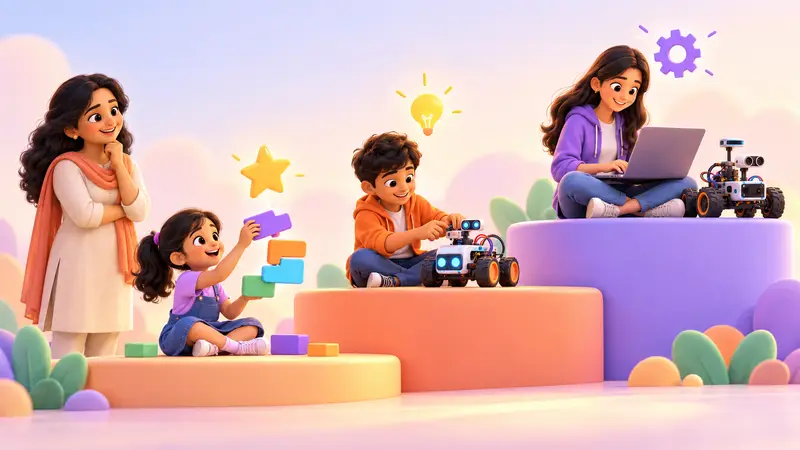
Your kid will outgrow a beginner course. Look for a school with a path from blocks to real code, robotics and AI, so they do not have to switch schools later.
At RoboticSchools: a full path for ages 5 to 18, from Scratch and Micro:bit to Python, Arduino, Raspberry Pi and AI web development. Not sure where your kid fits? Read the right age to start coding and robotics.
7. Do we need a kit, and what is included?
For robotics, a complete kit matched to the course saves a lot of time and frustration. For coding courses, a laptop is usually enough.
At RoboticSchools: for robotics courses, you can buy the kit from us and we ship it to your home, anywhere in the world. Coding courses need only a laptop.
Question about kits? Ask us on WhatsApp and we will tell you exactly which kit your kid's course needs.
8. How will I see my kid’s progress?
You should not have to guess what your kid is learning. Ask how progress is shared.
At RoboticSchools: every kid gets a personal dashboard with a portfolio of the projects they build, and they can download a certificate as they finish each level of a course.
9. Online, in person, or both?
Online saves travel time. In person gives a classroom feeling. Having both options gives you flexibility.
At RoboticSchools: both. Join live online, or come to our centre in Bellandur, Bangalore. Read our comparison of online vs offline robotics classes.
10. Can we try a free class first?
Never pay before your kid has tried a class. A free demo shows you the teaching style, and lets your kid decide if they enjoy it.
At RoboticSchools: every kid starts with a free demo class, with no payment details needed and no pressure to join.
Red flags to watch out for
Be careful if a class:
- asks you to pay for a long package before your kid has tried a class
- uses “limited seats” or “offer ends today” pressure to rush your decision
- is mostly videos or worksheets, with little real building
- puts many kids with one trainer, so your kid rarely gets help
- cannot show real student projects
- is vague about the kit, or what it includes
- promises your kid will become an “app developer” in a few weeks. Real skills take steady practice.
- offers no way to see progress beyond a certificate at the end
How to compare fees fairly
Prices for coding classes vary a lot, and the cheapest option is not always the best value. Instead of comparing only the monthly number, compare what you actually get:
| Ask about | Why it matters |
|---|---|
| 1-on-1 or group? | In a group of 10, your kid gets only a small share of the trainer’s time |
| Live or recorded? | Recorded videos cost less to make, but nobody helps when your kid is stuck |
| Class length | Know how many minutes of real teaching you get each week |
| Kit | Is it included, extra, or not needed? Does it have every part the course uses? |
| Payment style | Monthly fees are easier to try than a large upfront package |
| Extras | Progress dashboard, certificates, help between classes |
At RoboticSchools: we keep it simple with monthly fees and no big upfront cost. We share the exact fee after the free demo, once we know which course suits your kid.
What to watch for in a free demo class
A demo class is your best chance to judge a school. Sit nearby, and notice:
- Does the trainer get to know your kid? A good trainer asks what your kid enjoys before teaching.
- Who does the work? Your kid should be clicking, typing or building, not just watching the trainer’s screen.
- How are mistakes handled? The trainer should help your kid find the problem, not just fix it for them.
- Is it the right level? It should feel a little challenging, but never confusing.
- Does your kid build something? Even a small working project in the first class is a great sign.
- How does your kid feel after? Excited to show you is the best sign of all.
Questions to ask at the end of the demo
- Which course do you recommend for my kid, and why?
- What will my kid build in the first month?
- How often are classes, and can timings change around exams?
- What happens if we miss a class?
- Is a kit needed, and what is in it?
A quick checklist
Before you choose, make sure the class gives you:
- ✓ a real project in every class
- ✓ 1-on-1 or very small groups
- ✓ trainers who build things themselves
- ✓ live teaching, not just videos
- ✓ lessons at your kid’s pace
- ✓ a clear path to grow
- ✓ the right kit, if needed
- ✓ a way to see progress
- ✓ online and in-person options
- ✓ a free trial class
“The robotics class is a very fun experience for me… I am also a really big fan that the classes are on Zoom and the schedule fits your needs.”
Sriram Chava, student (Google review)
If you are in Bangalore
Families near us can visit our centre in Bellandur, or join online to skip the traffic. Our guide to robotics and coding classes in Bangalore covers local options in more detail.
See for yourself
The best way to judge a class is to try it. In a free demo class, a trainer gets to know your kid, builds something small with them, and gives you an honest course suggestion.
Book a free demo class and use these 10 questions to judge us too.


 Chat on WhatsApp