

Online vs Offline Robotics Classes: Which Is Better for Your Kid?
Can kids really learn robotics online? An honest comparison of online and in-person robotics and coding classes, with tips to choose what suits your family.
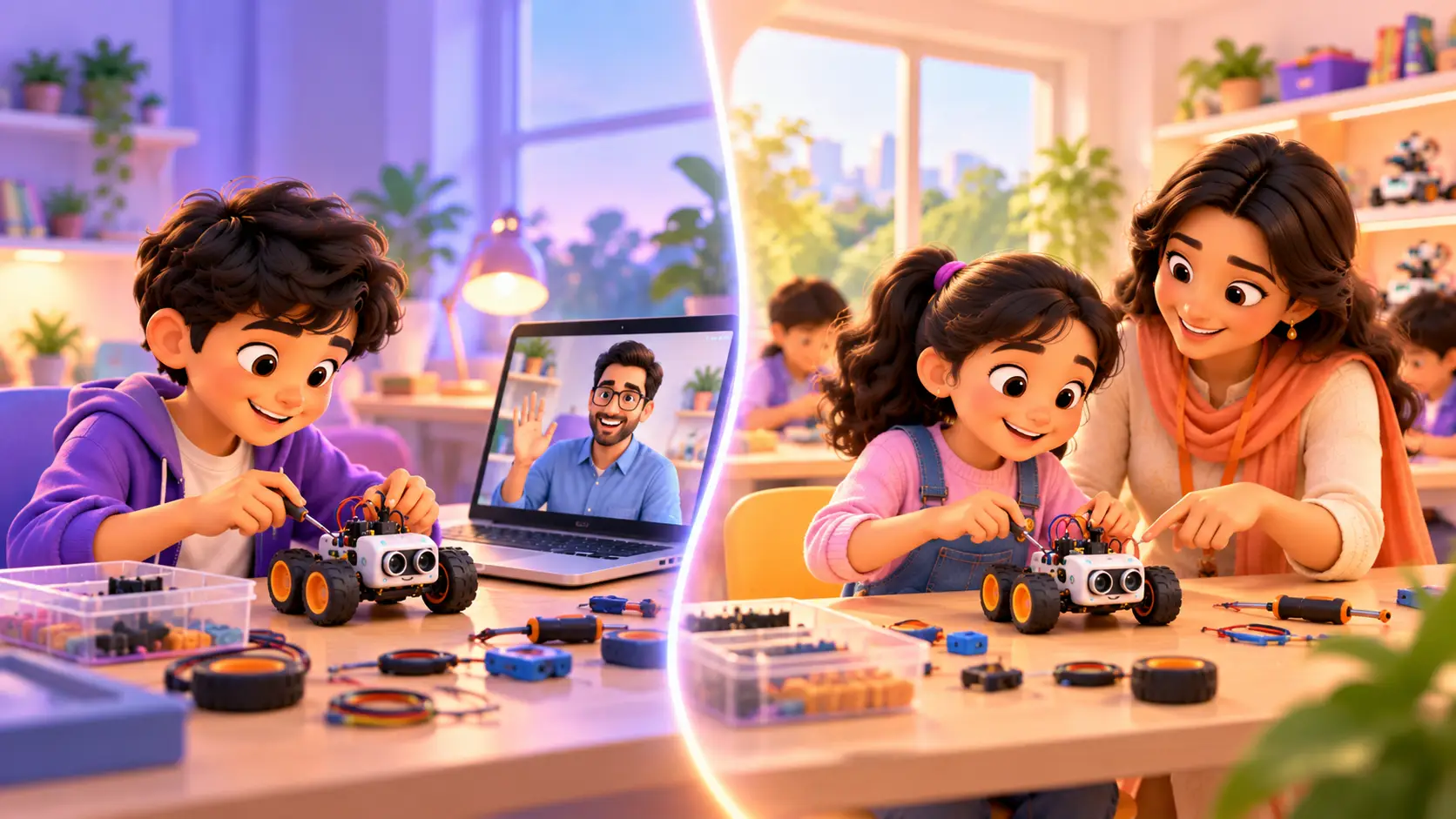
“Can my kid really learn robotics over a video call?” It is one of the most common questions we hear. The short answer is yes, if the class is set up the right way. But in-person classes have their own magic too.
This guide gives you an honest comparison: how each works, the pros and cons, what a parent actually sees in an online class, how to set up a home learning space, and how to choose.
How online robotics classes work
In a good online robotics class, your kid is not watching a video. They are building with their own hands while a trainer watches live on camera, explains each step and helps fix mistakes.
For this to work, three things are essential:
- The kit at home, with every part the course needs
- A live trainer who can see the robot and guide your kid in real time
- A small, focused class, ideally 1-on-1, so the trainer never loses sight of your kid’s work
How in-person classes work
Your kid comes to a centre, sits with a trainer and builds with the kit right there. The trainer can point, hold a wire in place and show things up close. The room itself, full of robots and builders, can be exciting and motivating.
Side-by-side comparison
| Online | In person | |
|---|---|---|
| Travel | None, learn from home | Travel to the centre |
| Timing | Easier to fit around school and activities | Fixed by the centre’s timings |
| Hands-on building | Yes, with the kit at home | Yes, at the centre |
| Trainer help | Live on video | Right beside your kid |
| Parent involvement | Easy to watch and see progress | Less visible during class |
| Best for | Busy families, kids far away, independent learners | Kids who focus better in a classroom |
The advantages of online classes
- No travel time. No traffic, no waiting, no rushing after school.
- Learn from anywhere. Kids can join from any city or country. Our students learn with us from more than 10 countries.
- Comfortable for shy kids. Some kids open up and ask more questions at home.
- Parents can watch. You can see exactly what your kid is learning.
- The kit stays at home. Kids can keep practising between classes.
“I am also a really big fan that the classes are on Zoom and the schedule fits your needs.”
Sriram Chava, student (Google review)
The advantages of in-person classes
- Hands-on help. The trainer can hold a part or show a connection up close.
- A focused space. No home distractions like TV or siblings.
- The classroom feeling. Some kids love being in a room full of robots and builders.
- A routine outside the home. Going to a class can feel special.
What a parent sees during an online class
Many parents are surprised by how active online robotics classes are. A typical class looks like this:
- Hello and recap. The trainer checks what your kid remembers from the last class.
- Today’s goal. A clear, exciting target, like “make the robot stop before it hits the wall”.
- Build together. Your kid wires or assembles parts while the trainer watches through the camera and guides each step.
- Code and test. Your kid writes the code, runs it, and sees what the robot does.
- Fix and improve. Something usually goes wrong. The trainer helps your kid find the bug, instead of fixing it for them.
- Show and tell. The class ends with a working project, ready to show you.
How to set up a good home learning space
A little preparation makes online classes much smoother:
- A laptop or desktop with a stable internet connection
- A webcam that can tilt down towards the desk, so the trainer can see the robot (a laptop camera is usually fine)
- A clear table with space for the kit and a little light
- A quiet corner, away from TV and noise
- Headphones if the house is busy
- A box with sections to keep small parts safe between classes
For young kids, a parent nearby for the first few classes helps them settle in.
Common worries about online classes, honestly answered
“Will my kid lose focus on a screen?”
In a recorded video, yes, often. In a live 1-on-1 class, it is much harder to drift away, because the trainer is talking with your kid, asking questions and watching their work the whole time. And in robotics, much of the class is spent building with real parts, not staring at a screen.
“Is it just more screen time?”
It is a very different kind of screen time. Watching videos or scrolling is passive. In a coding or robotics class, your kid is creating: thinking, building, testing and fixing.
“What if the internet drops?”
It happens sometimes. A good trainer simply reconnects and continues where they left off. A stable connection and a laptop close to the Wi-Fi router help a lot.
“What if a part is missing or breaks?”
With a kit matched to the course, every project’s parts are planned in advance. If something breaks, message us and we will help you sort it out.
“Can a trainer really see what my kid is doing?”
Yes. Your kid can share their screen for coding, and point the camera at the robot for building. Trainers get very good at spotting a loose wire on camera.
Can you switch later?
Yes, and many families do. A kid might start online during a busy school term, then come to the centre in the holidays, or the other way round. Because the projects and course are the same in both formats, switching does not set your kid back.
What matters more than online or offline
Whatever you choose, these matter most:
1-on-1 attention
In a big batch, it is easy for a kid to fall behind or get bored. Live 1-on-1 classes mean your kid gets the trainer’s full attention, whether online or in person.
Real projects in every class
Your kid should finish each class with something that works, not just a page of notes. A blinking light, a moving robot or a working game gives them something to show you, and a reason to look forward to the next class. If weeks pass without a finished project, the class is probably moving too slowly or is too theory-heavy.
The right kit
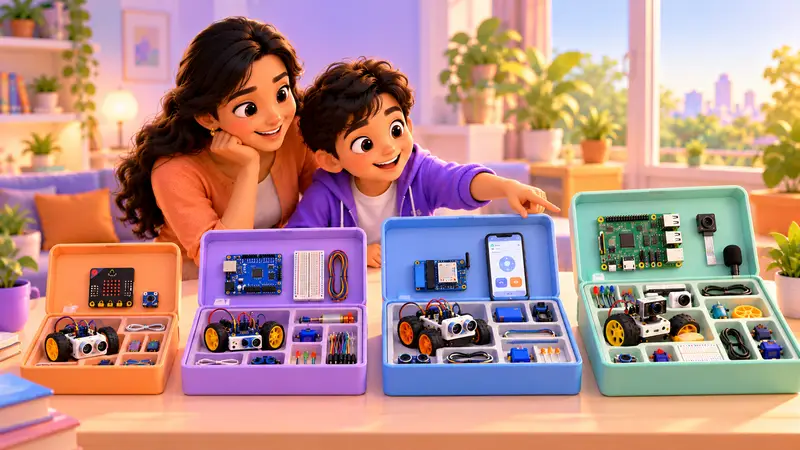
For robotics, a complete kit matched to the course makes everything easier, especially online.
Kits shipped worldwide. For our robotics courses, you can buy the kit from us and we ship it to your home, anywhere in the world, so online classes are just as hands-on. Ask about kits on WhatsApp.
A way to see progress
Online or offline, you should be able to see what your kid has built. Every RoboticSchools student gets a personal dashboard with a portfolio of their projects.
Does it depend on the course?
A little. Here is a simple guide:
| Course type | Online works well? | Notes |
|---|---|---|
| Coding (Scratch, Python, Java) | Excellent | Only a laptop needed |
| AI and web (Vibe Coder) | Excellent | Only a laptop needed |
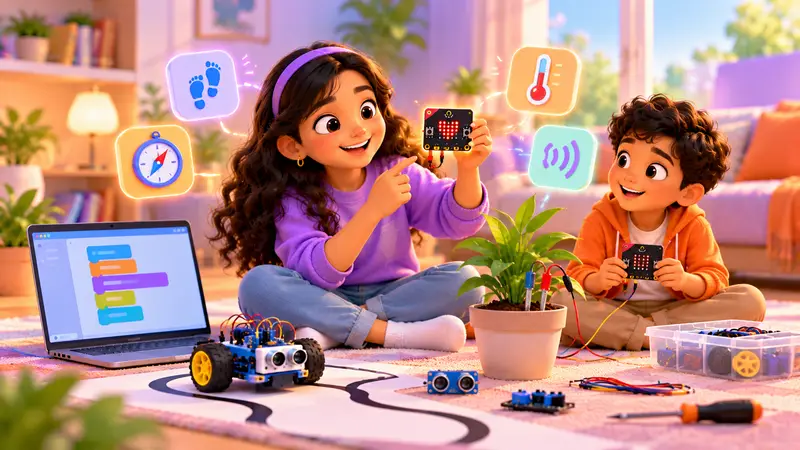
| Robotics (Micro:bit, Arduino, Raspberry Pi, ESP32) | Very good | Needs the kit at home |
| 3D Design and Apps | Excellent | Only a laptop needed |
Which one should you choose?
Choose online if you want flexibility, live far from a centre, or your kid is comfortable on a laptop.
Choose in person if your kid focuses better away from home, or you are near our centre in Bellandur, Bangalore.
Not sure? Try one and see. The free demo class works either way, and you can always talk to us about changing later.
If you are in Bangalore, our guide to robotics and coding classes in Bangalore can help you compare local options.
At RoboticSchools, you get both
We teach kids from 5 to 18 in live 1-on-1 classes, both online and in person at our centre in Bellandur, Bangalore. Robotics kits are shipped to your home for kit-based courses, and coding courses need only a laptop.
Book a free demo class, online or at our centre, and see what works for your kid.

 Chat on WhatsApp