
What Is the Right Age for Kids to Start Coding and Robotics? A Parent's Guide
Is 5 too early? Is 12 too late? A simple age-by-age guide to when kids can start coding and robotics, and which first course fits each age.
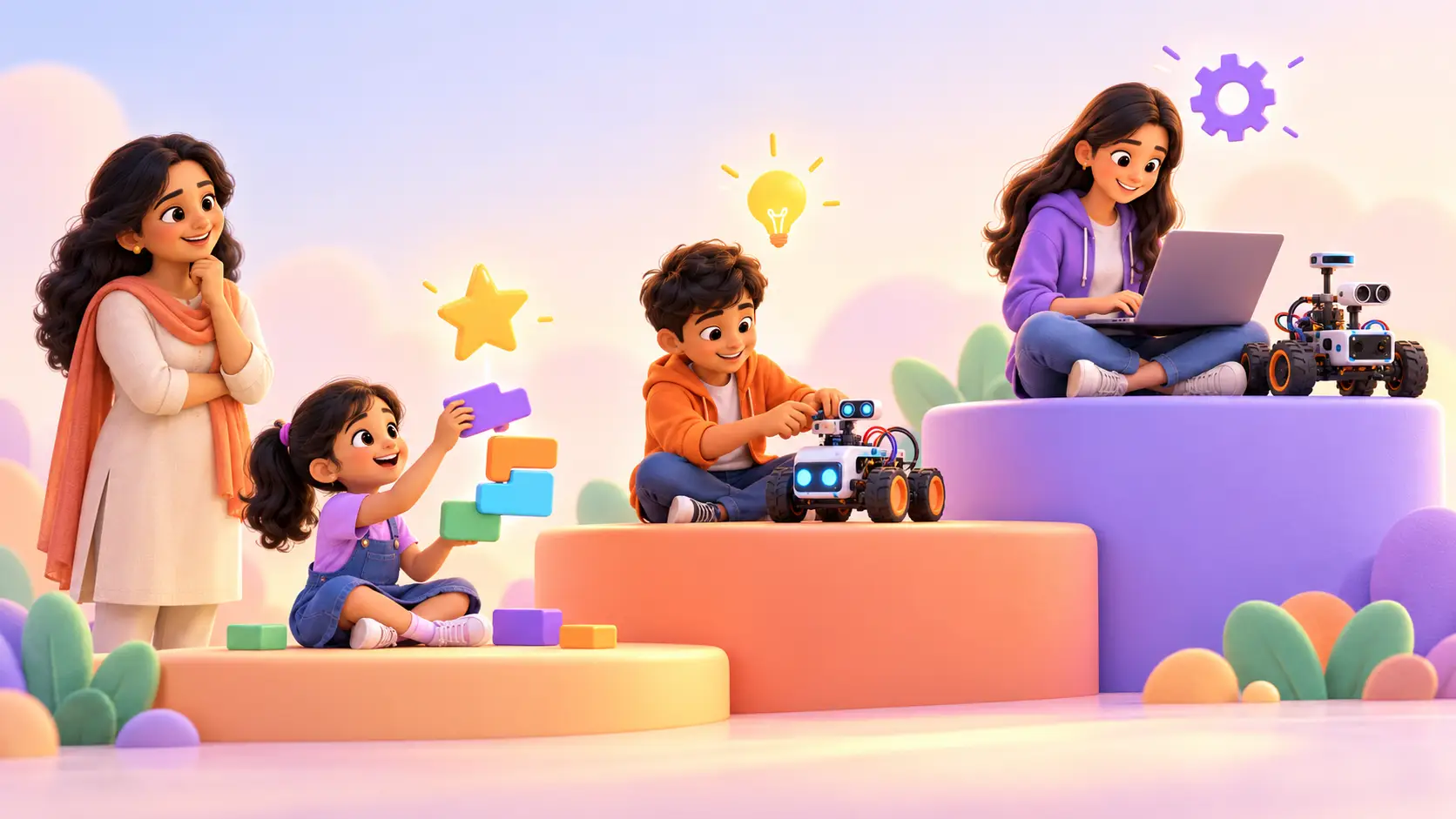
Every week a parent asks us the same question: “Is my kid old enough?” or, just as often, “Have we started too late?” The honest answer is that there is no single magic age. There is a right first step for every age, and starting with the wrong one is what makes kids lose interest.
This guide walks you through each age group, what kids are ready for, what a class actually looks like, and how to tell if your kid is ready. It is based on what we see in live classes at RoboticSchools every day, with kids from 5 to 18.
The short answer
Most kids can start coding at 6, and hands-on robotics from around 7. Younger kids can begin with play-based logic, and teenagers can jump straight into real programming languages.
What matters more than age is matching the course to how your kid thinks right now: how well they read, how long they can focus, and what excites them.
| Age | Ready for | Good first course |
|---|---|---|
| 5 to 7 | Logic through play, code blocks | Scratch Programming |
| 7 to 10 | First robots, simple games | Micro:bit Robotics |
| 9 to 13 | Real code, apps, circuits | Python, App Development, Arduino |
| 13 to 18 | Engineering-level projects, AI | Raspberry Pi, ESP32, Java, Vibe Coder |
Why the starting age matters less than the starting point
Two kids of the same age can be very different. One 8 year old loves reading and puzzles; another is still building confidence with reading but happily builds with blocks for an hour. Both can learn to code, but they should not start in the same place.
When kids start too high, they get stuck on typing and syntax and decide coding “is not for them”. When they start too low, they get bored. The right start is the one where your kid can build something they are proud of in the first few classes.
Ages 5 to 7: learning through play
At this age, kids learn best by moving things on screen and seeing an instant result. Typing long lines of code is not the goal yet. They are building the foundations every programmer needs:
- sequencing: putting steps in the right order
- loops: spotting patterns and repeating them
- cause and effect: “if this happens, then do that”
- debugging: noticing when something goes wrong and trying again
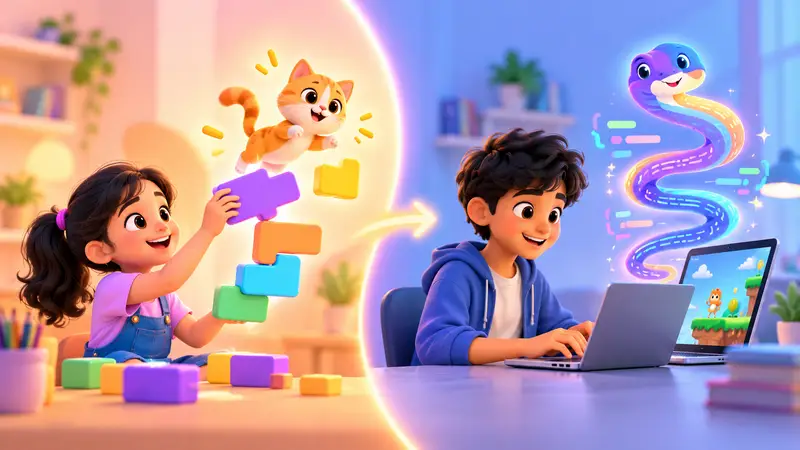
Our youngest course, Scratch Programming, is made for this stage. Kids snap colourful blocks together to make characters move, talk and play. They build an animated story, a maze game, a catch-the-falling-objects game and a greeting card with music.
What a class looks like at this age
A class for a young kid is short on talking and big on doing. The trainer shows one small idea, like “make the cat move when you press a key”, and the kid tries it straight away. Each class ends with something to show a parent.
Have a 5 year old? Many 5 year olds are ready for a gentle start. Message us on WhatsApp and a trainer will suggest the right first step.
Ages 7 to 10: first robots and games
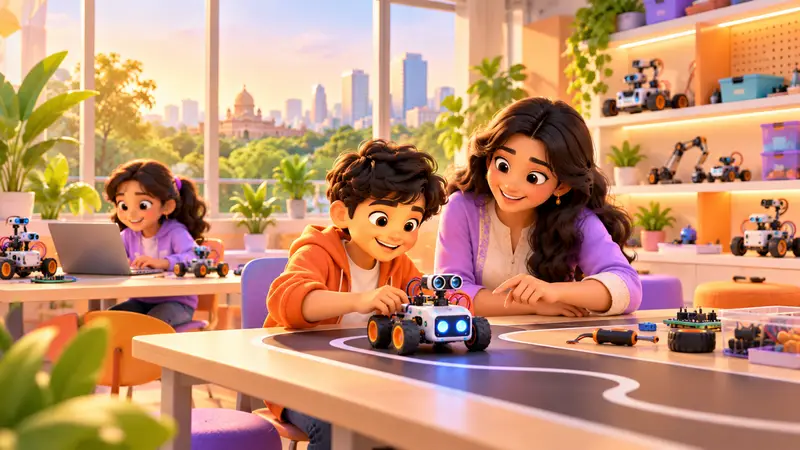
This is when hands-on robotics becomes magic. Kids are ready to hold a real board, press a button and watch a robot respond to their own code.
A great first robotics course here is Micro:bit Robotics (ages 7 to 11). The micro:bit has lights, buttons and sensors built in, so kids can make it work in minutes without any wiring. They start with blocks, then move to real code, and build a line-following robot car, a step counter, a reaction-time game and a burglar alarm.
Kids who prefer games and stories can keep growing with Scratch. From age 9 they can also try Python Programming or App Development, where they design real phone apps.
What a class looks like at this age
Kids now enjoy a little challenge. A trainer might say “your robot keeps bumping into the wall. How could it notice the wall first?” and guide the kid to the answer instead of giving it. This is where real problem solving starts.
Ages 10 to 13: real circuits and real code
Around 10, most kids are ready for “grown-up” tools. They read well, type comfortably and can follow a longer project over several classes. This is the sweet spot for:
- Arduino Robotics (ages 10 to 15): wiring real circuits with LEDs, motors and sensors, and coding robots that sense and react. Our Arduino course has 75 live classes and 52 hands-on projects across three levels.
- Python Programming (ages 9 to 18): a Snake game, a quiz app, a chatbot and a first look at AI libraries.
- 3D Design Studio (ages 8 to 16): designing objects on screen the way engineers and game artists do.
- App Development (ages 9 to 15): building real apps for a phone.
Not sure which board to pick? Our guide on micro:bit vs Arduino vs Raspberry Pi explains the difference.
Ages 13 to 18: building like engineers
Teenagers can go deep, fast. They are ready for projects that feel like real engineering and real products:
- Raspberry Pi Robotics: robots that see, listen and decide, powered by Python, like a camera-guided rover and a voice-controlled assistant
- ESP32 IoT Robotics: gadgets you control from your phone over Wi-Fi, like a live weather station and a smart plant monitor
- Java Programming: the language behind Android apps and large software systems
- Vibe Coder: Build Websites with AI: describe a website in plain English, build it with AI, then understand and improve the code
Teenagers often enjoy building something for a real purpose: a website for a school club, a tool for a family shop, or a robot for a competition.
How long can kids focus at each age?
Every kid is different, but a rough guide helps when choosing a class:
| Age | Typical focus on a fun task | What helps |
|---|---|---|
| 5 to 6 | 15 to 20 minutes at a stretch | Very short steps, lots of instant results |
| 7 to 9 | 20 to 30 minutes | Mini goals, a robot or game to test |
| 10 to 13 | 30 to 45 minutes | Projects that build over a few classes |
| 13+ | 45 minutes and more | Real-world problems and open challenges |
This is one reason live 1-on-1 classes work so well for young kids: the trainer can change pace the moment attention drops.
Signs your kid is ready to start
Age is only a guide. Your kid is probably ready if they:
- enjoy puzzles, LEGO, building blocks or taking toys apart
- ask “how does this work?” about phones, games or machines
- like making up their own stories or games
- can focus on a fun activity for 20 to 30 minutes
- get excited about making something, not just using it
If you see even two of these, it is a good time to start.
Signs it might be a little early
It may be worth waiting a few months, or starting with play-based activities, if your kid:
- gets upset quickly when something does not work the first time, and cannot be gently encouraged
- is not yet comfortable using a mouse or tablet
- loses interest within a few minutes even with a game
None of these is a problem. A trainer can usually find a fun, gentle entry point, and the free demo class is a no-pressure way to find out.
Is it ever too late?
No. We teach kids from 5 to 18, and teenagers who start “late” often catch up surprisingly quickly because they read and reason faster. A 14 year old can begin with Python and be building real projects within weeks.
How parents can help at home
You do not need to know coding yourself. A few simple habits make a big difference:
- Ask your kid to show you what they built after each class. Explaining it helps them learn.
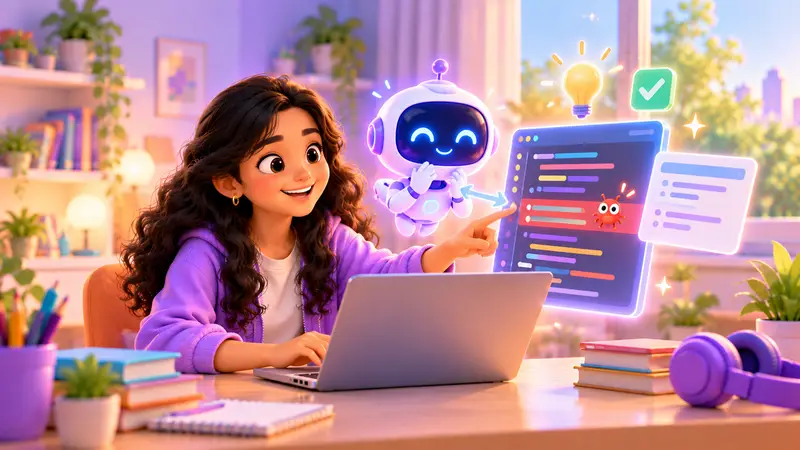
- Celebrate the fixing, not just the finished project. Debugging is the real skill.
- Give them a small quiet space with a laptop for online classes or practice.
- Encourage their own ideas. “Could you make a game about our cat?” is a great prompt.
How we find the right starting point
At RoboticSchools, every kid starts with a free demo class. A trainer spends time with your kid, sees what they already know and what excites them, and recommends the right first course. There is no test to pass and no pressure to join.
“My son is 6 years old. Our journey with RoboticSchools started in his summer vacation with a demo class, and since that day he loves going to the classes.”
Sruthi Reddy, parent (Google review)
Classes are live and 1-on-1 with a trainer, either online from home or in person at our centre in Bellandur, Bangalore. Every kid gets a personal dashboard with a portfolio of their projects, and a certificate to download as they finish each level of a course.
Not sure where your kid fits? Book a free demo class and we will tell you exactly where to start.

 Chat on WhatsApp