
Scratch vs Python: Which Should Your Kid Learn First?
Scratch or Python first? A clear, side-by-side comparison for parents: what each teaches, the right age, and how kids move from blocks to real code.
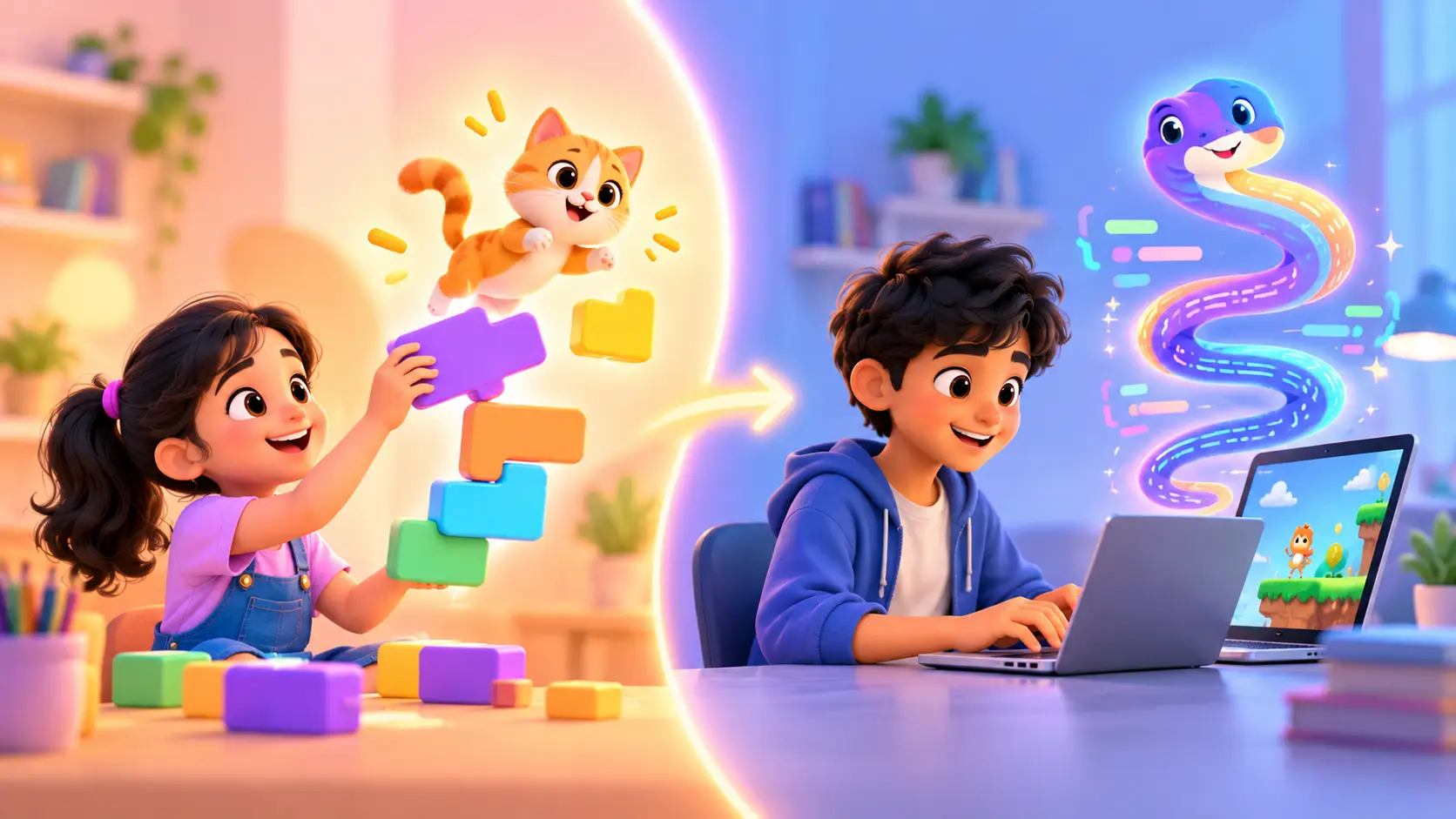
Scratch and Python are the two most popular first languages for kids, and parents often ask us which one to choose. The good news: there is no wrong answer, only a better fit for your kid’s age and personality.
This guide compares them side by side, shows the same small program written in both, explains how kids move from one to the other, and helps you decide.
Scratch and Python in one sentence
- Scratch is a visual language where kids snap colourful blocks together to make games, stories and animations.
- Python is a real text-based language, used by professional programmers for everything from games to artificial intelligence.
Side-by-side comparison
| Scratch | Python | |
|---|---|---|
| How you code | Drag and snap blocks | Type real code |
| Best age to start | 6 to 10 | 9 to 18 |
| Typing needed | Almost none | Yes |
| First projects | Animated stories, maze games | Snake game, quiz app, chatbot |
| Mistakes | Hard to make (blocks only fit one way) | Typos happen, and kids learn to fix them |
| Feels like | A creative game studio | A real programmer’s toolkit |
| Used by professionals | Mainly for learning | Yes, widely, including in AI |
The same idea in both languages
The best way to see the difference is to look at the same small program. Imagine a game where the player has 3 lives and the game says “Game over” when they run out.
In Scratch, a kid snaps these blocks together:
- when green flag clicked
- set lives to 3
- repeat until lives = 0 → wait until touching enemy → change lives by -1
- say “Game over!”
In Python, the same idea looks like this:
lives = 3

while lives > 0:
    hit = input("Did you touch the enemy? (y/n) ")
    if hit == "y":
        lives = lives - 1
        print("Ouch! Lives left:", lives)

print("Game over!")
Notice that the ideas are exactly the same: a variable (lives), a loop (repeat until / while), a condition (if) and an output (say / print). Scratch lets young kids learn these ideas without worrying about spelling, spaces or brackets. Python teaches them to write it the way real programmers do.
Why Scratch is a brilliant first step
Scratch removes the hardest part of coding for young kids: typing exact words with no mistakes. Blocks only fit together the right way, so kids spend their energy on logic and creativity.
In our Scratch Programming course (ages 6 to 10), kids build:
- an animated story
- a maze game
- a catch-the-falling-objects game
- a greeting card with music
Along the way they learn sequencing, loops, events, conditions and variables, the same ideas used in Python and every other language.
Why Python is the next big step
Python is often called the most beginner-friendly “real” language because it reads almost like English. It is also one of the most widely used languages for artificial intelligence and data science, which makes it a skill that grows with your kid.
In our Python Programming course (ages 9 to 18), kids build:
- a Snake game
- a quiz app
- a chatbot
- a chart of their own survey data
They learn variables, loops, functions, lists, debugging and reading and writing files, and they get a first introduction to AI libraries.
So which one first?
Choose Scratch if your kid is:
- between 6 and 9 years old
- still building confidence with reading and typing
- someone who loves stories, characters and drawing
- easily frustrated by small mistakes
Choose Python if your kid is:
- 10 or older
- comfortable typing on a keyboard
- curious about how “real” programmers work, or interested in AI
- someone who likes puzzles and logic
Already know Scratch? Kids who have built a few Scratch games usually find Python much easier, because they already understand how programs work. It is a natural next step.
How kids move from Scratch to Python
The jump from blocks to text is easier than many parents expect. Here is how it usually goes:
- Recognise the same ideas. The trainer shows how a Scratch loop becomes a Python
whileorforloop. - Rebuild a familiar game. Kids rebuild a game they made in Scratch, now in Python. Because they know how it should work, they can focus on the new way of writing it.
- Learn to read error messages. In Python, a missing bracket gives an error. Kids learn that errors are clues, not failures.
- Build something new. Once comfortable, kids start projects that are only possible in Python, like a chatbot or a data chart.
Signs your kid is ready to move from Scratch to Python
Every kid moves at their own pace, but these signs usually mean it is time for real code:
- They build Scratch projects without help, and often add their own ideas.
- They use variables and loops comfortably, and can explain what their code does.
- They feel limited by blocks, and ask “how do I make it do more?”
- They type comfortably and do not mind small spelling details.
- They are curious about “real” programming, games or AI.
If you see three or more of these, your kid is probably ready. A trainer can confirm it in a single class.
Can kids learn Scratch and Python at the same time?
It is possible, but we usually suggest one at a time. Learning both together can be confusing, because the same idea looks different in each. Kids who build a strong base in one language find the second much easier, so focusing first saves time overall.
How to support your kid at home
You do not need to know coding to help. A few simple habits make a big difference:
- Ask them to show you their project. Explaining it helps kids understand their own code better.
- Play their games, and give honest, kind feedback: “What if the enemy moved faster?”
- Praise effort and fixing mistakes, not only finished projects.
- Keep a little regular time for coding, even short sessions, rather than long ones once in a while.
- Let them teach you one thing. Kids remember best what they teach.
How long until kids build something they are proud of?
Faster than most parents expect. In Scratch, many kids make a moving character or a simple game in their very first class, because the blocks remove the hard parts. In Python, the first class usually ends with a small program that talks back, like a greeting or a guessing game. Within a few months of regular classes, kids in both languages are building complete games and projects they want to show friends and family.
Progress depends on practice, not talent. A short, regular class each week usually beats long sessions now and then.
Common mistakes parents make when choosing
- Starting a young kid on text code too early. If typing slows them down, they may lose interest before they enjoy coding.
- Keeping an older kid on blocks for too long. A 12 year old who has mastered Scratch is usually ready, and excited, for Python.
- Choosing by what friends are doing. Each kid has their own pace and interests.
- Expecting instant results. Learning to code is like learning music: small, regular progress adds up.
What comes after Python?
Python opens many doors. Kids who enjoy it often go on to:
- robotics with Raspberry Pi, where Python controls cameras, sensors and motors
- AI-powered websites with Vibe Coder
- apps with App Development
- big software with Java
Some kids love hardware even more than screens. If your kid is always building things, a robotics course like Micro:bit or Arduino teaches the same coding ideas with a robot they can hold.
“I have already finished the Arduino course, and now I am learning Python.”
Sriram Chava, student (Google review)
Not sure? Let a trainer decide with you
Every kid is different. In a free demo class, a trainer works with your kid, sees how they think, and recommends Scratch, Python or something else. Classes are live and 1-on-1, online or at our centre in Bellandur, Bangalore, and both courses need only a laptop.
Book a free demo class and find the right first language for your kid.
 Chat on WhatsApp