
Is Coding Still Worth Learning for Kids Now That AI Can Write Code?
AI can write code now, so should your kid still learn to code? An honest look at what AI can and cannot do, and the skills that matter more than ever.
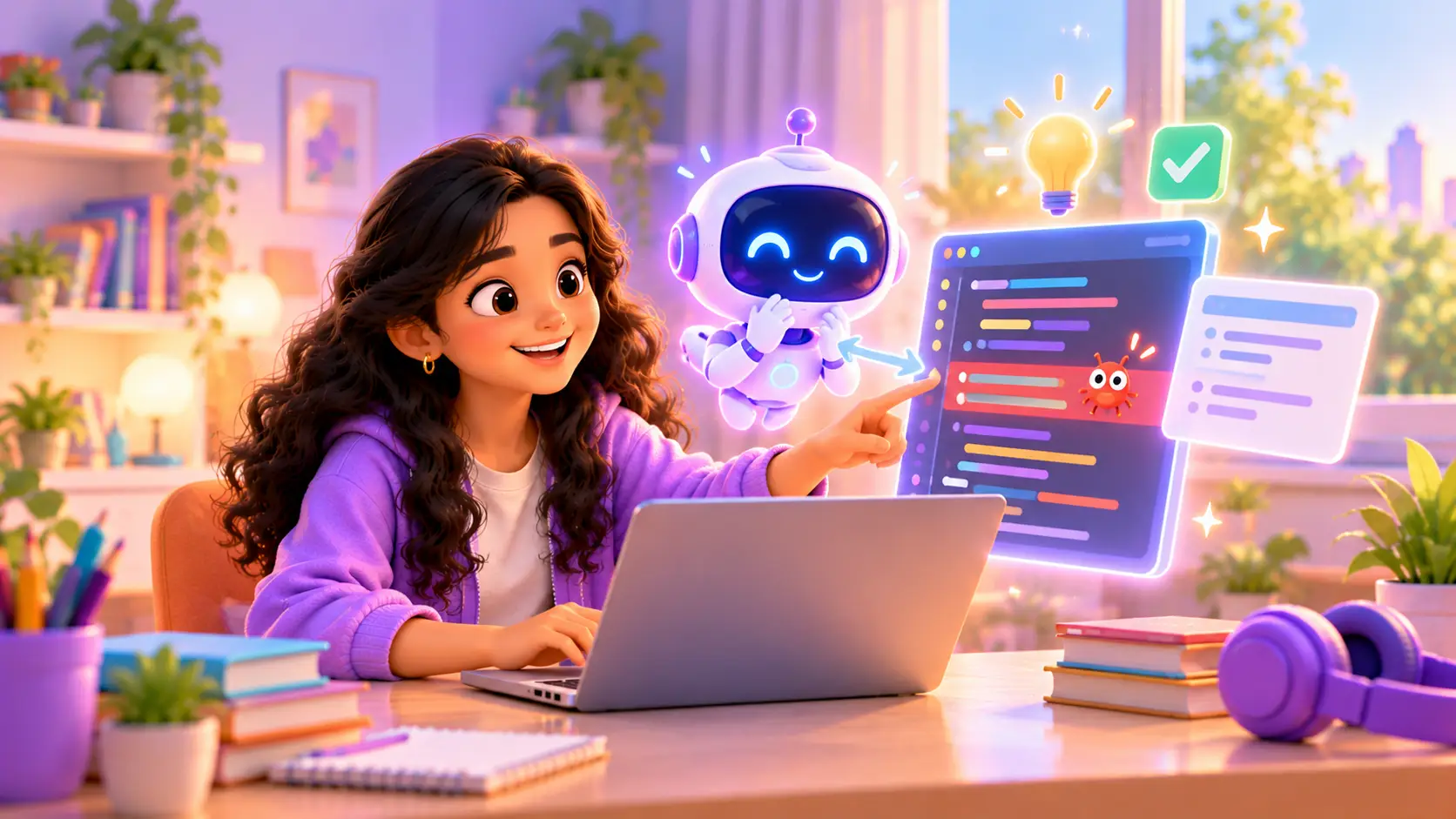
AI tools can now write code in seconds. Ask for a game, a website or a calculator, and something appears. So it is natural for parents to wonder: is it still worth paying for my kid to learn coding?
The short answer is yes, but what kids learn, and how they learn it, is changing. This guide explains what AI can and cannot do, which skills matter more now, and what this means at each age.
The short answer
Learning to code is still worth it, because coding was never really about typing. It is about thinking clearly, breaking problems into steps, and checking that a solution actually works. AI can do some of the typing. It cannot do the thinking for your kid.
Monica McGill of the Institute for Advancing Computing Education put it simply in a Marketplace interview: you cannot really understand what AI is doing without understanding computer science and programming.
What AI coding tools can do
- Write short pieces of code quickly, especially for common tasks
- Explain error messages in plain language
- Suggest ideas and examples to learn from
- Build a rough first version of a website or app
What AI coding tools cannot do (yet)
- Know what you actually want. AI builds what you describe, not what you meant.
- Guarantee it is correct. AI often writes code that looks right and does not work, or works only sometimes.
- Take responsibility. A person still has to test the result, fix it and decide if it is safe to use.
- Understand your real problem. Turning a messy real-world idea into clear steps is a human skill.
Think of AI like a calculator. Calculators did not make maths pointless. Kids still learn maths, so they know which sum to do and whether the answer makes sense. Coding with AI works the same way.
Skills that matter more now, not less
1. Breaking problems into steps
Before any code is written, someone has to turn “I want a quiz app” into clear steps: show a question, wait for an answer, check it, add to the score, move to the next one. Coding trains exactly this. It is the same skill kids use to plan an essay, solve a maths word problem or organise a school project.
2. Reading and checking code
When AI writes code, someone has to read it and spot what is wrong. Kids who learn to code can do this. Kids who only copy cannot.
3. Debugging
Finding and fixing mistakes is the heart of programming, and AI makes plenty of mistakes. Kids who can debug are the ones who finish projects.
4. Describing ideas clearly
Getting good results from AI depends on explaining exactly what you want. That is clear thinking and clear writing, skills that help in every subject.
5. Judgement
Is this answer right? Is it safe? Is it what we actually need? AI cannot answer those questions for us. Kids who understand code learn to test what AI gives them, notice when something looks wrong, and decide when to ask again or fix it themselves. Good judgement is what turns AI from a shortcut into a powerful tool.
What this means for kids at each age
| Age | Focus | Good starting point |
|---|---|---|
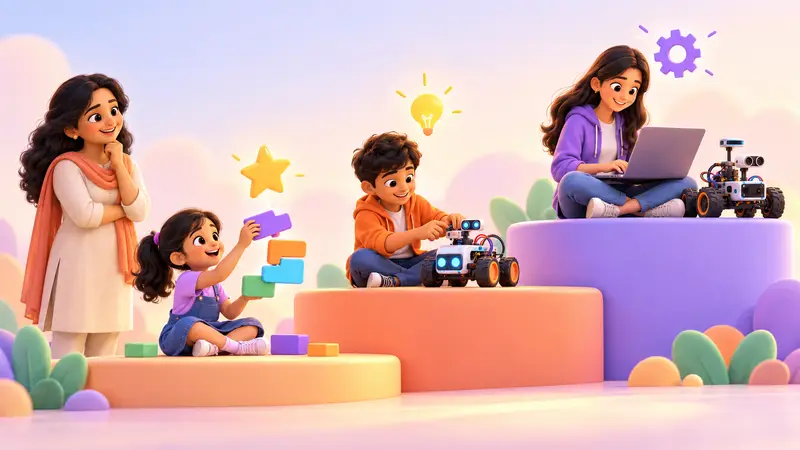
| 6 to 10 | Logic, sequencing and creativity, without AI | Scratch |
| 9 to 14 | Real code: variables, loops, functions, debugging | Python |
| 11 to 18 | Building with AI, and checking what it writes | Vibe Coder |
| 12 to 18 | Robots and AI projects with real hardware | Raspberry Pi |
Younger kids should build the foundations first: how instructions work, how loops repeat, how conditions decide. Our Scratch vs Python guide explains where to begin.
Teens can then learn to use AI as a powerful helper, while understanding every line it writes.
A real example: when AI gets it wrong
Imagine a 13-year-old asks an AI tool to build a quiz game. It looks great. But when they play it:
- the score never resets for a new game
- the last question is skipped
- typing “B” instead of “b” counts as wrong
A kid who has learned to code can open the code, find the three problems and fix them in minutes. A kid who has only learned to copy is stuck, and often decides “coding is not for me”.
That is why, in our classes, AI is the helper and your kid is the builder.
How professionals use AI to code today
Many professional programmers now use AI tools every day, and the way they use them is a useful lesson for kids. They:
- Plan first, deciding what the program needs to do before asking AI for anything
- Ask AI for small pieces, not whole programs
- Read and test everything AI writes before using it
- Fix and improve the parts AI gets wrong
- Stay responsible for the final result
In other words, the people getting the most out of AI are the ones who already understand code. That is the skill your kid builds by learning to code now.
Common myths about AI and coding
“AI will do all the coding, so kids don’t need to learn.”
AI writes code, but it does not know if the code is right for your problem. Someone still needs to understand, test and fix it. That someone needs coding skills.
“Coding is only for kids who want to be programmers.”
Coding teaches logical thinking, patience and problem solving. Doctors, designers, scientists and business owners all use these skills, and more and more jobs involve working with technology.
“If kids use AI, they will stop thinking.”
That depends on how they use it. Copying answers stops thinking. Asking AI to explain, then checking and improving its work, makes kids think harder. Guidance makes the difference.
“It’s too late to start, AI is already ahead.”
It is never too late. The fundamentals of programming have stayed the same for decades, and kids who learn them now will understand whatever tools come next.
What parents can do at home
- Ask your kid to explain their code. If they can explain it, they understand it.
- Talk about AI mistakes. When an AI tool gets something wrong, discuss how you spotted it.
- Set a family rule: AI can explain and give hints, but the work must be your own.
- Encourage building, not just using. A small game your kid made teaches more than hours of using apps.
- Keep personal details private. Never share full names, addresses, school names or photos with AI tools.
How kids learn coding and AI together at RoboticSchools
- Foundations first. Kids learn real coding in Scratch or Python, so they understand what code does.
- Then AI as a tool. In Vibe Coder, teens describe a website in plain English, build it with AI, then learn to read, test and improve the code.
- Trainer-led, with permission. AI tools have age rules, so in our classes AI work is led by a trainer, with parents’ permission.
- Always checking. Kids are taught to understand and verify the code, not just paste it.
Read more in What is vibe coding? and AI for kids: how to learn safely.
What to look for in a modern coding class
- Does it teach real coding foundations, not just using apps?
- Does it teach kids to read and check AI-written code?
- Are AI tools used safely, with guidance and parents’ permission?
- Do kids build real projects they understand?
- Is it live, so a trainer can explain the “why”?
For a full checklist, see how to choose the best coding class.
Give your kid the skills AI cannot replace
In a free demo class, your kid builds something real with a trainer, and you see how coding and AI fit together. Classes are live and 1-on-1, online or at our centre in Bellandur, Bangalore.


 Chat on WhatsApp