

Micro:bit vs Arduino vs Raspberry Pi: Which Is Best for Your Kid?
Confused between micro:bit, Arduino and Raspberry Pi? A simple guide to what each board does, the right age, and which one your kid should start with.
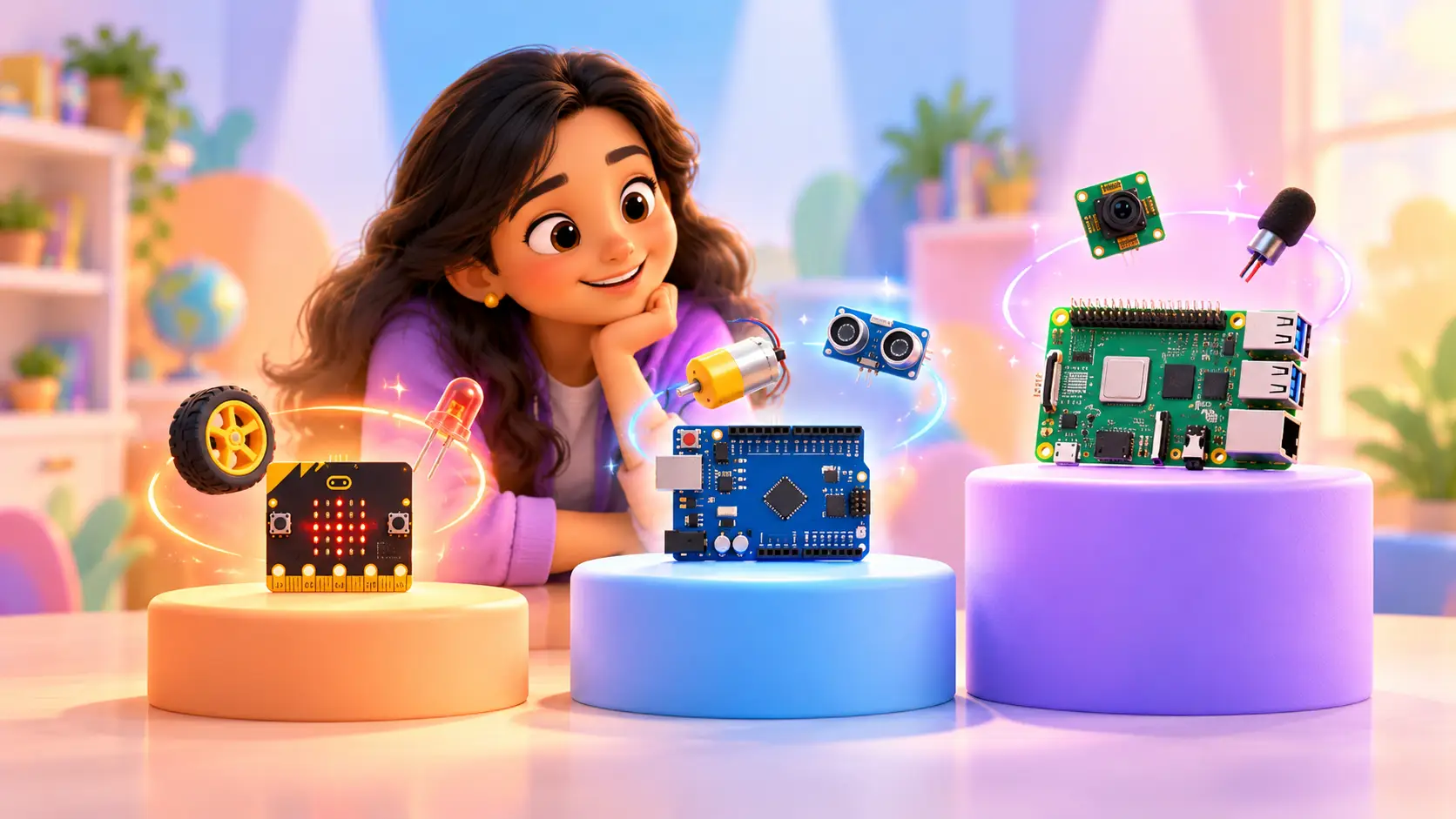
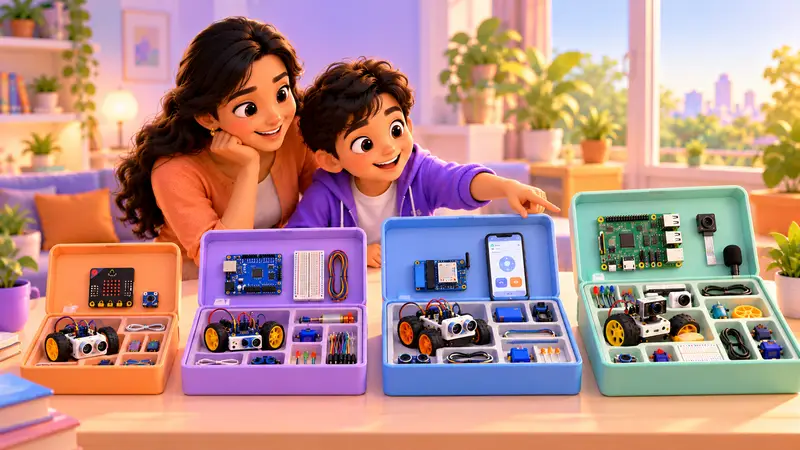
When parents start looking at robotics, three names keep coming up: micro:bit, Arduino and Raspberry Pi. They all look like small green or blue boards, but they are very different tools. Picking the right one first makes the difference between a kid who loves robotics and a kid who gives up.
This guide explains each board in plain language, compares them side by side, shows a typical learning path over the years, and tells you what to buy now versus later.
The quick answer
- micro:bit is the easiest start, great for ages 7 to 11.
- Arduino is the classic for real circuits and robots, great for ages 10 to 15.
- Raspberry Pi is a tiny computer for advanced projects, great for ages 12 to 18 who know some Python.
Microcontroller or computer? The key difference
Before comparing boards, one idea helps everything make sense:
- A microcontroller (micro:bit, Arduino, ESP32) is a small brain that does one job, very reliably: read a sensor, decide, control a motor. It starts instantly and runs the same program again and again.
- A single-board computer (Raspberry Pi) is a full computer. It runs an operating system, can use a camera and microphone, connect to the internet and run several programs at once.
That is why microcontrollers are perfect for learning electronics, and Raspberry Pi is perfect for “smart” robots that see and listen.
What is a micro:bit?
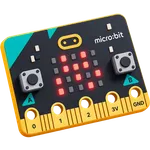
The micro:bit is a pocket-sized computer made for learning. It already has lights, buttons and sensors built in, so kids can make something work in minutes without any wiring.
Kids start with colourful code blocks and can move on to real code later. In our Micro:bit Robotics course (ages 7 to 11), kids build a line-following robot car, a step counter, a reaction-time game and a burglar alarm.
Best for: first-time builders, younger kids, and anyone who wants quick, fun results.
What is an Arduino?
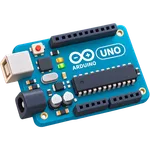
An Arduino is a microcontroller board, the “brain” inside many real gadgets. Kids connect LEDs, motors, buzzers and sensors with wires and write code in C/C++, the same language engineers use.
Our Arduino Robotics course (ages 10 to 15) is our most detailed: 75 live classes and 52 hands-on projects across 3 levels, using 120+ electronic components. Kids go from blinking an LED to building an obstacle-avoiding robot, a smart parking system, a password door lock and even an AI home automation system.
Best for: kids who love wiring, building and seeing how electronics really work.
What is a Raspberry Pi?
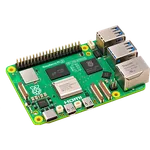
A Raspberry Pi is a full computer the size of a credit card. It runs its own operating system, connects to a camera and microphone, and is programmed mainly in Python.
In our Raspberry Pi Robotics course (ages 12 to 18), students build a camera-guided rover, a motion-detecting security camera, a voice-controlled assistant and a smart-home dashboard. Because it is more advanced, kids should know basic Python first, which our Python Programming course covers.
Best for: older kids ready for computer vision, voice control and complete systems.
And where does ESP32 fit?
ESP32 is a microcontroller like Arduino, but with Wi-Fi and Bluetooth built in. That means kids can control a robot from their phone, or send sensor data to the internet. In our ESP32 IoT Robotics course (ages 12 to 18), kids build a phone-controlled robot car, a live weather station, a smart plant monitor and a door-open alert. It is a great next step after Arduino.
Side-by-side comparison
| micro:bit | Arduino | Raspberry Pi | |
|---|---|---|---|
| Our recommended age | 7 to 11 | 10 to 15 | 12 to 18 |
| What it is | Learning microcontroller with built-in sensors | Microcontroller board | Full small computer |
| How kids code it | Blocks, then real code | C/C++ | Python |
| Wiring needed | Little or none to start | Yes, real circuits | Some |
| Camera and microphone | No | No | Yes |
| Example project | Line-following car | Obstacle-avoiding robot | Camera-guided rover |
| Difficulty | Easiest | Medium | Most advanced |
Which should your kid start with?
Start with micro:bit if your kid is:
- 7 to 11 years old
- new to coding and electronics
- someone who wants to see results fast
Start with Arduino if your kid is:
- 10 or older
- curious about wires, circuits and how gadgets work
- happy to spend a little longer to get something just right
Start with Raspberry Pi if your kid is:
- 12 or older and already knows some Python
- excited by cameras, AI and voice assistants
Match the board to your kid’s interests
Age is a good guide, but interests matter just as much:
| If your kid loves… | A great board to try |
|---|---|
| Games, quick results and colourful lights | micro:bit |
| Taking things apart and seeing how they work | Arduino |
| Cars, motors and building robots that move | micro:bit, then Arduino |
| Phones, smart gadgets and the internet | ESP32 (after Arduino) |
| Cameras, voice assistants and AI | Raspberry Pi |
Common mistakes parents make
- Starting with the most advanced board. A Raspberry Pi can overwhelm a beginner. A simple win first builds confidence.
- Buying a random kit online. Many cheap kits are missing parts or come without a clear path, so projects stop halfway.
- Learning alone from videos. When a circuit does not work, kids need someone to help them find out why. Without help, many give up.
- Rushing to the next board. Kids learn more by finishing projects well than by collecting boards.
A typical learning path
Many kids follow a natural path over the years, adding one new skill at a time:
| Stage | Board | New skill |
|---|---|---|
| 1 | micro:bit | Coding a robot with blocks, then real code |
| 2 | Arduino | Real circuits, motors and sensors in C/C++ |
| 3 | ESP32 | Wi-Fi, phone control and the Internet of Things |
| 4 | Raspberry Pi | Python, cameras, voice and AI |
Kids can join at any stage that suits their age and experience. An older beginner can go straight to Arduino.
What to buy now, and what to buy later
Parents sometimes buy a big kit too early, or a cheap kit that is missing key parts. A few simple rules help:
- For the free demo, buy nothing. A laptop or desktop with internet is enough.
- Buy the kit that matches the course. Every project needs specific parts, and a matched kit means none are missing.
- Do not buy the next board yet. Wait until your kid is ready for the next course. Their interests may change, and that is fine.
- Keep parts organised. A box with small sections keeps sensors and wires safe.
Get the right kit from us. For our robotics courses, you can buy a kit matched to the course, with the exact parts each project needs. We ship it to your home, anywhere in the world. Ask about kits on WhatsApp.
How parents can help at home
- Give them a small building space, like a corner of a table where the kit can stay out.
- Ask what each part does. “What is that sensor for?” helps kids explain and remember.
- Celebrate when something finally works, especially after a few tries.
- Connect projects to real life. Point out automatic doors, street lights and parking sensors, and ask how they might work.
Real projects our students built with these boards
Our students have built projects such as an AI gesture-control robot and a soccer goalkeeper bot with micro:bit, an AI vision smart dustbin and an AI river-cleaning robot with Arduino, and an AI teacher robot, an AI agricultural robot and an AI smart mirror with Raspberry Pi. Watch some of them in our student projects.
Let a trainer help you choose
Still unsure? In a free demo class, a trainer works with your kid, sees what excites them, and recommends the right board and course. Classes are live and 1-on-1, online or at our centre in Bellandur, Bangalore.
Want more ideas first? See 10 fun Arduino projects kids can build at home or read robotics for kids: what they learn.
Book a free demo class and get an honest recommendation.
 Chat on WhatsApp