
Robotics for Kids: What They Learn, Real Benefits and How to Get Started
What does a kid actually learn in a robotics class? The real skills, the benefits parents notice, and an easy way to get started at home or online.
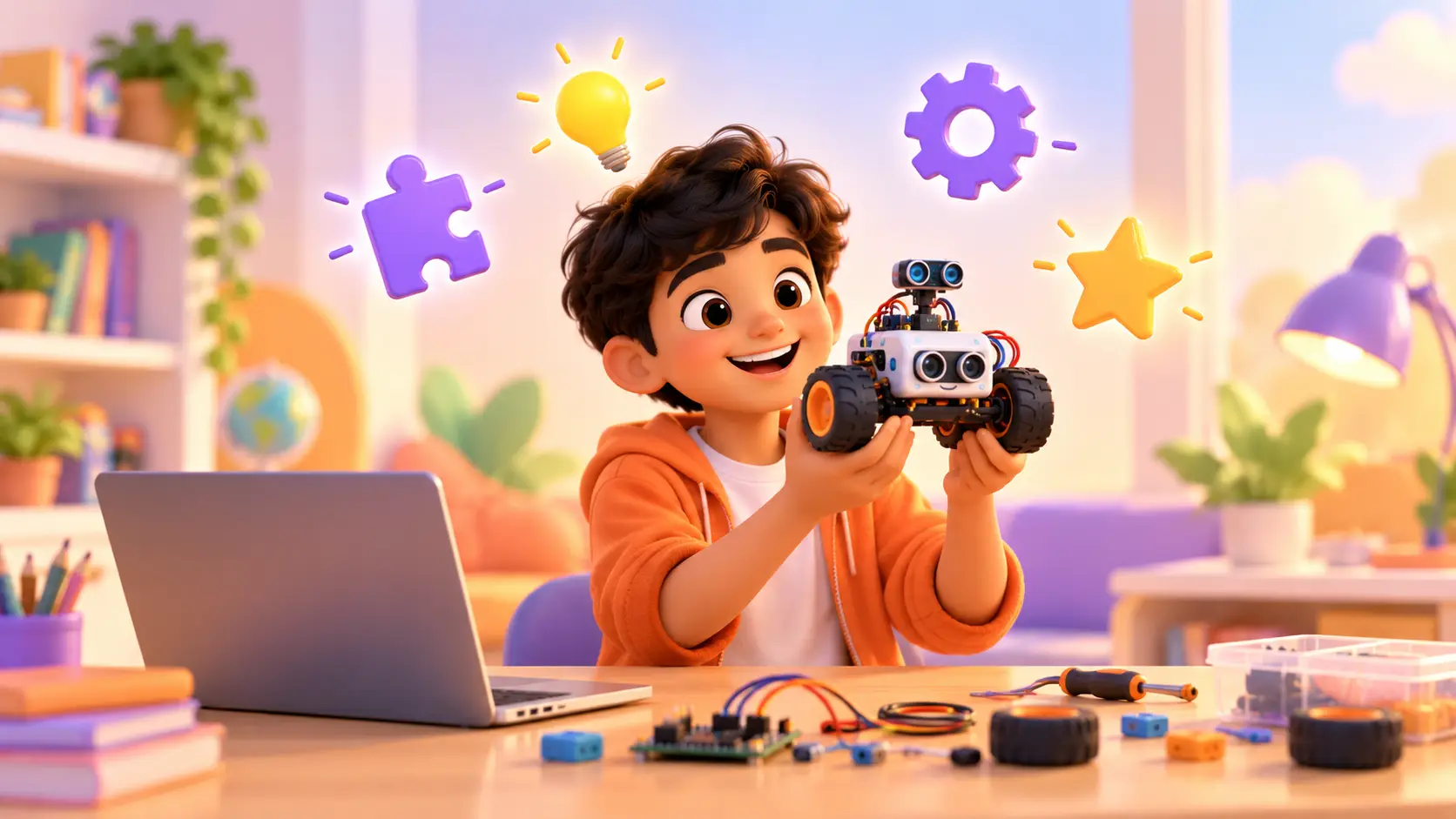
Robotics sounds like something for university labs. In reality, it is one of the most fun and natural ways for kids to learn, because it mixes building with their hands and thinking with code. A kid writes a few lines, presses a button, and a robot moves. That moment never gets old.
This guide explains what kids really learn in a robotics class, the benefits parents notice, how robotics connects to school, and the easiest way to get started.
What is robotics for kids?
A kids’ robotics class combines three things:
- Building: putting together a small robot or gadget from a board, motors, lights and sensors
- Coding: writing the instructions that tell it what to do
- Testing: trying it, seeing what goes wrong, and fixing it
Younger kids use simple boards and colourful code blocks. Older kids wire real circuits and write real code, the same way engineers do.
The three parts of every robot
It helps to explain robots to kids in a simple way. Every robot has:
- sensors, which let it notice the world (light, distance, sound, touch)
- a brain, the board that runs the code and makes decisions
- actuators, the parts that act: motors that move, lights that glow, buzzers that beep
Once kids understand this, they start seeing robots everywhere: automatic doors, street lights that switch on at night, a washing machine that knows when the water is full.
What kids actually build
In our classes, kids build working projects, not worksheets. A few real examples from our courses:
- a line-following robot car, a step counter and a reaction-time game with micro:bit
- an obstacle-avoiding car, an automatic night lamp, a smart parking system and a password door lock with Arduino
- a camera-guided rover, a motion-detecting security camera and a voice-controlled assistant with Raspberry Pi
- a phone-controlled robot car and a live weather station with ESP32
Our students have also built bigger projects like an AI vision smart dustbin, a river-cleaning robot, an AI teacher robot and an AI smart mirror. You can watch some of them in the student projects on our home page.
The skills robotics builds
Problem solving
Robots rarely work the first time. Kids learn to break a big problem into small steps, test one idea at a time and find the mistake. This “debugging” habit is one of the most useful skills a kid can learn, in school and in life.
Logical thinking
“If the sensor sees a wall, turn left. Otherwise, keep going.” Kids learn to think in clear, logical steps, which helps with maths and science too.
Creativity
Once kids know the basics, they start inventing: a robot that waters plants, an alarm for their room, a game for their sibling. Robotics turns ideas into real things.
Patience and resilience
Fixing a robot that will not move, and then watching it finally work, builds real resilience. Kids learn that being stuck is just a step, not a failure.
Confidence
There is a special kind of pride in saying “I built this”. Many parents tell us their kids become more confident explaining their ideas, at home and in class.
“My daughter had zero knowledge about robotics before this. Now she is able to explain small concepts to us! The learning is very hands-on, which keeps kids engaged.”
T Suresh, parent (Google review)
How robotics connects to school subjects
Robotics is not a separate subject. It brings school lessons to life:
| School subject | How it shows up in robotics |
|---|---|
| Maths | Measuring distance, timing, angles and speed |
| Science | Electricity, light, sound, motion and energy |
| Computer science | Logic, loops, conditions and variables |
| English | Explaining ideas, writing instructions, presenting projects |
| Art and design | Designing how a robot or gadget looks |
When kids use maths to make a robot turn exactly 90 degrees, maths stops feeling abstract.
Robotics and coding: what is the difference?
Coding is writing instructions for a computer. Robotics is coding plus a physical machine that follows those instructions in the real world. Robotics makes coding feel real, because kids can touch, see and hear the result.
Many kids start with pure coding like Scratch and then add robotics, while others start with robotics because they love building things. Both paths work.
How to get started
Step 1: pick a beginner-friendly board
| Age | Course | Why it fits |
|---|---|---|
| 7 to 11 | Micro:bit Robotics | Lights and sensors built in, blocks to start |
| 10 to 15 | Arduino Robotics | Real circuits, motors and sensors |
| 12 to 18 | Raspberry Pi Robotics | Robots that see and listen, powered by Python |
| 12 to 18 | ESP32 IoT Robotics | Control gadgets from a phone over Wi-Fi |
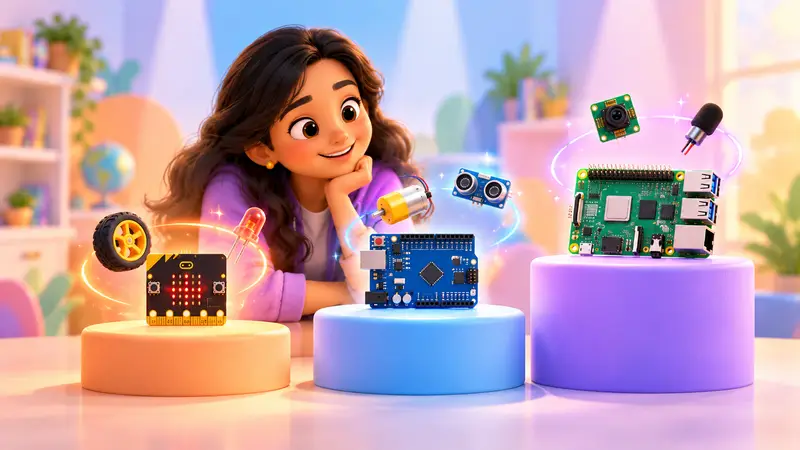
Not sure which one? Our guide on micro:bit vs Arduino vs Raspberry Pi explains the difference in plain language.
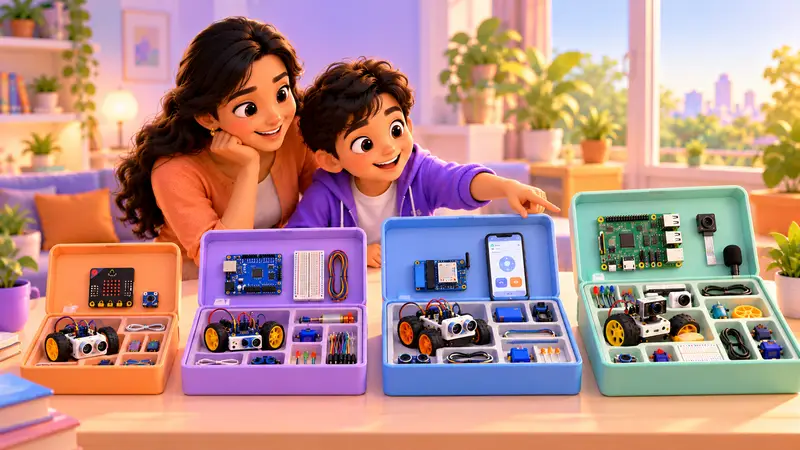
Step 2: get the right kit
A good kit has everything needed for the whole course, so kids are never stuck waiting for a missing part. Buying parts one by one is confusing, and one wrong sensor can stop a project.
Robotics kits from RoboticSchools: every kit is matched to its course, so each project has the exact parts it needs. We ship it to your home, anywhere in the world. Ask us about kits on WhatsApp.
Step 3: learn with a real trainer
Videos are fine for watching, but robotics is about doing. A live trainer can see why a robot is not moving and guide your kid to fix it themselves, instead of just showing the answer.
Our classes are live and 1-on-1, online from home or at our centre in Bellandur, Bangalore. Wondering which is better? Read online vs offline robotics classes.
What a parent can do at home
You do not need to be an engineer to support your kid:
- Be the audience. Ask your kid to show you each new project and explain how it works.
- Ask “why” questions. “Why did it turn left there?” helps them think like engineers.
- Keep the kit tidy. A small box with sections for parts saves a lot of frustration.
- Encourage real-world ideas. “Could you make something to help water the plants?”
- Praise effort, not just success. Fixing a bug is a win.
Common myths about robotics for kids
“It is too difficult for young kids”
Not with the right tools. A 7 year old can build and code a micro:bit robot because the board is designed for learning: the lights, buttons and sensors are built in, and the code is made of colourful blocks that snap together. In a first class, young kids usually make a heart beat on the screen or a shake dice, then move on to a small robot car. The trick is starting at the right level and growing step by step.
“My kid needs to be good at maths first”
Basic counting is enough. Robotics actually helps kids enjoy maths, because they use it for something fun. Working out how far a robot should drive, how long to wait, or which angle to turn turns numbers into something they can see move. Many kids who find maths boring on paper become curious about it once it controls a robot.
“It is just screen time”
Robotics is mostly hands-on: building, wiring and testing a real object. It is one of the most active kinds of learning with technology. The screen is used to write a few lines of code, and then the attention moves back to the robot on the table. Compare that with watching videos or scrolling, where the kid only consumes and never creates.
“It is only for boys”
Absolutely not. Girls and boys both love building robots, and some of our most creative projects come from girls. What matters is the project, not the stereotype: a robot that waters plants, a game, a smart night light. Encourage your kid to pick projects that match their own interests, and they will stay curious much longer.
Start with a free demo
The easiest way to see if your kid will love robotics is to let them try. In a free demo class, a trainer gets to know your kid, they build something small together, and you get an honest course suggestion. No kit is needed for the demo, only a laptop or desktop.
Every kid also gets a personal dashboard with a portfolio of the projects they build, and a certificate to download as they finish each level.
Book a free robotics demo class and watch your kid build their first project.
 Chat on WhatsApp