

Best Robotics Kits for Kids in India: A Parent's Buying Guide by Age
Which robotics kit should you buy for your kid? A guide by age, what a good kit includes, red flags, and our micro:bit, Arduino, ESP32 and Pi kits.
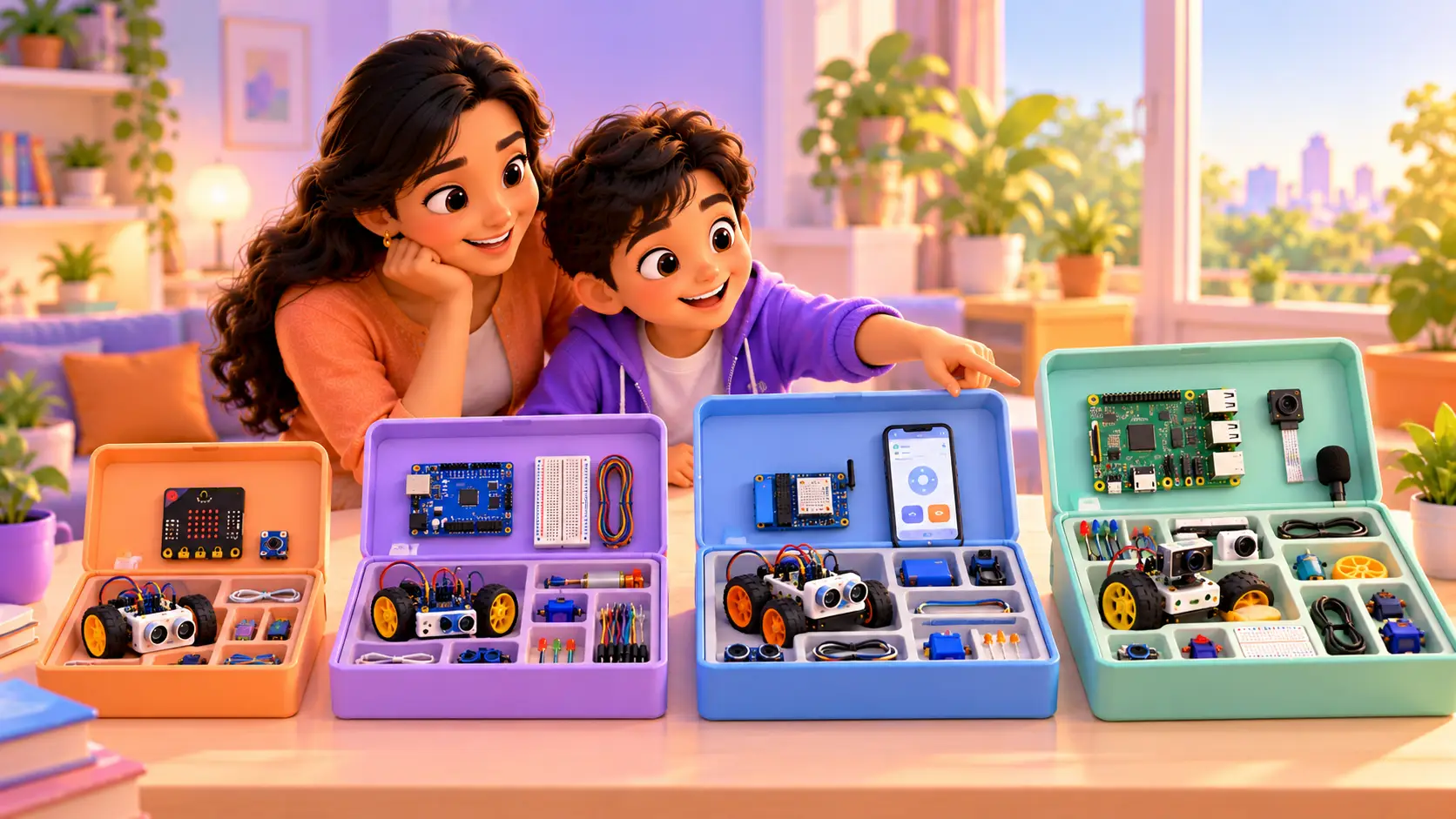
A robotics kit can be the best gift you ever give your kid, or a box that sits unopened on a shelf. The difference is almost always the fit: the right kit for their age, their level and what excites them.
This guide explains how to choose, which kind of kit suits each age, what a good kit should include, the red flags to avoid, and the kits we use in our own courses.
How to choose a robotics kit
Before you look at any product, answer four questions.
1. How old is your kid, and have they coded before?
A 7-year-old who has never coded needs something very different from a 13-year-old who has built a few Scratch games. Start where your kid is today, not where you hope they will be.
2. Blocks or real code?
Younger kids do best with block coding, where they snap colourful instructions together. Older kids can move to text code like C/C++ (Arduino) or Python (Raspberry Pi). The best kits let kids start with blocks and move to real code later.
3. Does it have room to grow?
Some kits build one robot and stop there. Better kits support dozens of projects, so the kit grows with your kid for months or years.
4. Is there a clear path to follow?
A box of parts with no plan is overwhelming. Look for step-by-step projects, or a course that tells your kid exactly what to build next.
Robotics kits by age
| Age | Kit type | Coding style | Example first project |
|---|---|---|---|
| 6 to 8 | Simple block-coded robots | Blocks or cards | A robot that follows a path |
| 7 to 11 | micro:bit kits | Blocks, then Python | A line-following car |
| 10 to 15 | Arduino kits | C/C++ | An obstacle-avoiding robot |
| 12 to 18 | ESP32 kits | C/C++ or MicroPython | A robot you drive from your phone |
| 12 to 18 | Raspberry Pi kits | Python | A camera-guided rover |
Ages 6 to 8: simple block-coded robots
At this age, kids learn best through play. Look for small robots they can program with colourful blocks, cards or buttons, with no wiring needed. The goal is the big idea: a robot follows instructions, step by step.
Ages 7 to 11: micro:bit kits
The micro:bit is a pocket-sized computer made for learning. It has lights, buttons and sensors built in, so kids make something work in minutes. Add a few motors and sensors and it becomes a real robot car. Kids code it with blocks first, then move to Python.
Ages 10 to 15: Arduino kits
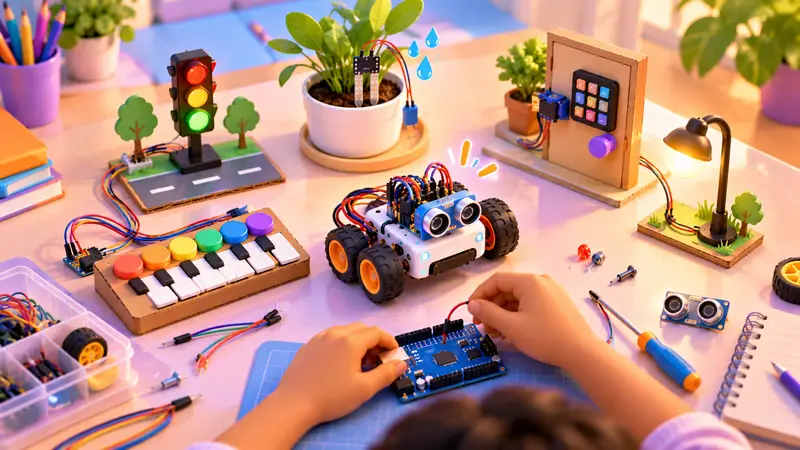
Arduino is the classic choice for real electronics. Kids connect LEDs, motors, buzzers and sensors with wires and write code in C/C++, the same language engineers use. A good Arduino kit can power dozens of projects, from traffic lights to a smart parking system.
Ages 12 and up: ESP32 and Raspberry Pi kits
ESP32 is like Arduino with Wi-Fi and Bluetooth built in, so teens build gadgets they control from a phone or that send data online. Raspberry Pi is a full small computer that runs Python, so teens can build robots that see with a camera and listen with a microphone.
Still deciding between boards? Read our full comparison: Micro:bit vs Arduino vs Raspberry Pi.
LEGO robotics kits vs Arduino kits
Many parents compare these two, and both are good, but they teach different things.
| LEGO-style robotics kits | Arduino kits | |
|---|---|---|
| Building | Snap-together bricks, no wiring | Real wires, a breadboard and electronic parts |
| Coding | Mostly blocks | Real C/C++ code |
| Best age | About 6 to 12 | About 10 to 15 |
| Strength | Quick, sturdy builds, used in competitions like FIRST LEGO League | Shows how real electronics work, and grows into almost any project |
| Price | Often higher | Usually lower for the number of projects |
A small classroom study found that primary school kids enjoyed LEGO-based robots more and found Arduino kits harder at first (published by Springer). That matches what we see: younger kids do best with easy, snap-together builds, and older kids enjoy the freedom of real electronics. Many kids start with blocks and move to Arduino as they grow.
What a good robotics kit should include
- A main board suited to your kid’s age
- The sensors and motors the projects actually use (not just a few LEDs)
- Wires, a breadboard or a chassis, so projects can be built without soldering
- Clear, step-by-step project guides, ideally many of them
- A storage box with sections for small parts
- A path forward: what to build next once the first projects are done
Red flags: toys that only look like robotics
Not every box labelled “STEM” or “coding” teaches robotics. Watch out for:
- Remote-control toys with an app. If your kid only drives the robot, and never decides what it does next, they are not learning to code.
- Kits missing key parts. Cheap kits often leave out the sensor or motor driver a project needs, so the build stops halfway.
- One-project kits. Fun for a weekend, then finished.
- No instructions or support. A pile of parts with no guidance usually ends in frustration.
- Kits far above your kid’s level. A Raspberry Pi for a 7-year-old is likely to overwhelm, not inspire.
A kit alone vs a kit with a trainer
Kits are brilliant, but most kids hit a point where something does not work and they do not know why. That is exactly where learning happens, and where many give up when they are alone.
| Kit alone | Kit with a live trainer | |
|---|---|---|
| Getting started | Follow the guide | Guided step by step |
| When it does not work | Search online, or give up | Trainer helps find the problem |
| Understanding why | Sometimes | Every class |
| What to build next | Up to you | A clear path, level by level |
Our view: the best results come from the right kit and someone to guide your kid through it. That is why every RoboticSchools robotics course has a kit matched to it.
RoboticSchools course kits
For each of our robotics courses, you can buy a kit matched to the course, with the parts its projects need. We ship them to your home, anywhere in the world.
micro:bit kit (ages 7 to 11)
Used in our Micro:bit Robotics course. Built around the micro:bit board with motor and sensor add-ons, so kids build a line-following robot car, a step counter, a reaction-time game and a burglar alarm, coding with MakeCode blocks and then Python.
Arduino kit (ages 10 to 15)
Used in our Arduino Robotics course, our most detailed: 75 live classes and 52 hands-on projects, using 120+ electronic components. Built around the Arduino Uno with ultrasonic and infrared sensors, light, motion, tilt and temperature sensors, a motor driver, displays and more. Kids build everything from traffic lights to an obstacle-avoiding robot and a password door lock.
ESP32 kit (ages 12 to 18)
Used in our ESP32 IoT Robotics course. Built around the ESP32 board with Wi-Fi and Bluetooth, plus sensors, so teens build a phone-controlled robot car, a live weather station, a smart plant monitor and a door-open alert.
Raspberry Pi kit (ages 12 to 18)
Used in our Raspberry Pi Robotics course. Built around the Raspberry Pi with a camera module, sensors and motors, so teens build a camera-guided rover, a motion-detecting security camera and a voice-controlled assistant in Python.
Want the exact contents and price? Ask about our kits on WhatsApp and we will send the full parts list for the kit that suits your kid.
Tips for parents after you buy
- Unbox together. Name the parts and keep them sorted from day one.
- Start with the first project, not the hardest. Early wins build confidence.
- Let them struggle a little. Fixing a circuit is where the real learning happens.
- Ask them to explain. “How does this sensor work?” helps them remember.
- Plan the next step. When the kit’s projects feel easy, it is time for the next board.
For project ideas, see 10 fun Arduino projects kids can build at home, and our guide to the right age to start coding and robotics.
Looking after a robotics kit
A kit lasts for years if it is looked after:
- Keep small parts in labelled sections. Sensors, resistors and screws are easy to lose.
- Remove batteries after building so they do not leak inside the battery box.
- Hold boards by the edges and keep them away from water and metal objects that could short the pins.
- Wind wires loosely. Tight knots break the thin metal inside.
- Keep the project guide with the kit, so the next project is always ready.
Try before you buy
Not sure which kit fits? Book a free demo class. A trainer works with your kid live, sees what excites them and recommends the right course and kit. No kit is needed for the demo, just a laptop.
Book a free demo class and get an honest kit recommendation.


 Chat on WhatsApp