
AI for Kids: How to Learn Artificial Intelligence Safely (2026)
AI is everywhere. Here is how kids can learn what AI really is, build with it safely, and use it to create rather than just copy, with simple steps by age.
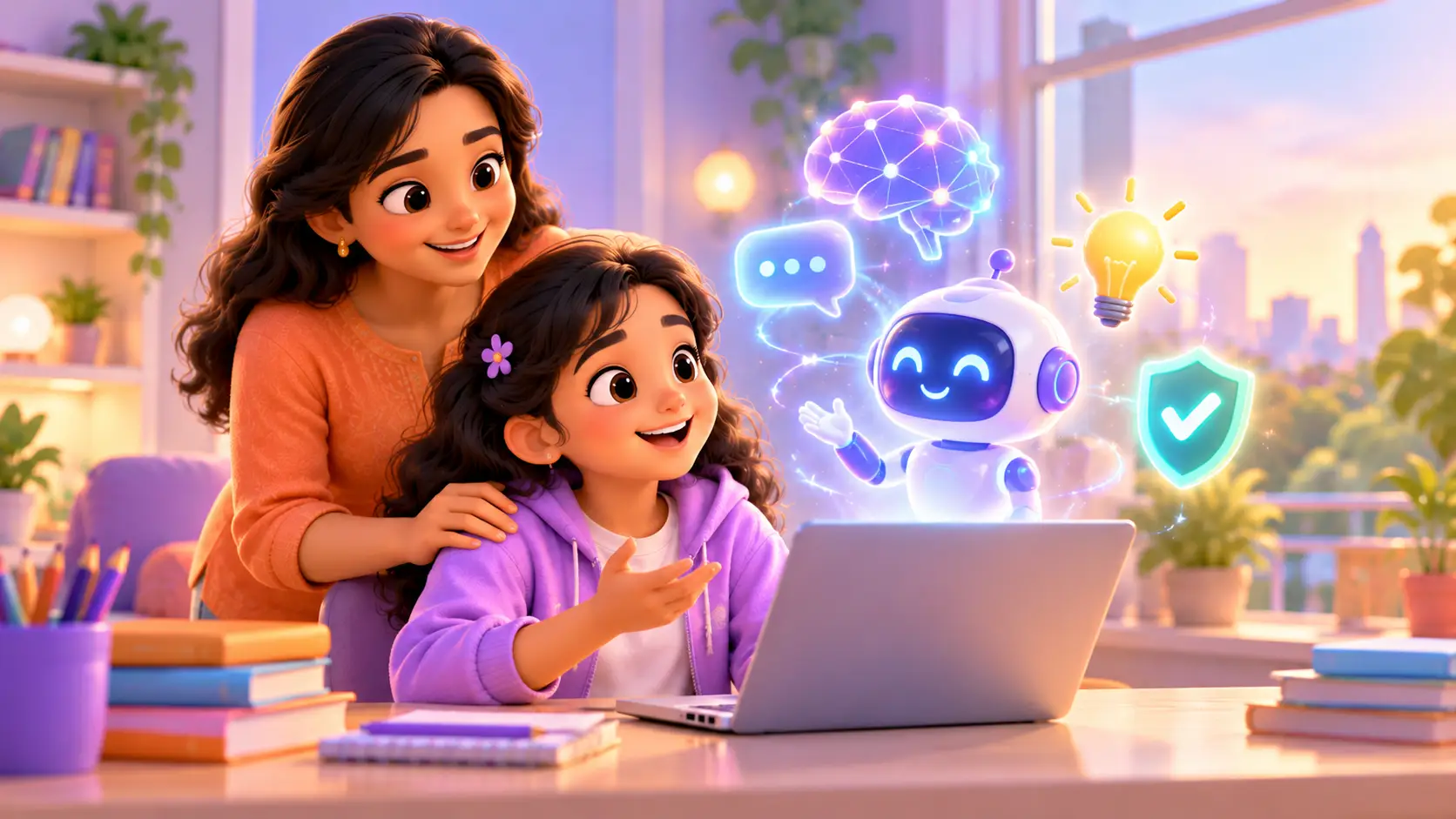
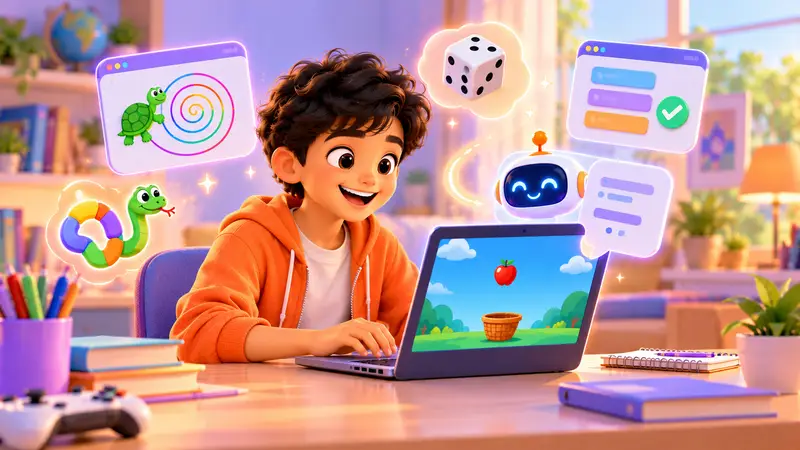
Kids today are growing up with AI all around them: voice assistants, chatbots, photo filters and smart recommendations. Many parents are asking the same thing: should my kid learn AI, and how do we do it safely?
This guide explains what AI is in simple words, what kids can learn at each age, real projects they can build, simple activities to try at home, and clear safety rules for the whole family.
What is AI, in simple words?
Artificial intelligence (AI) is when computers learn patterns from examples and use them to make decisions or create things. A chatbot that answers questions, a camera that recognises faces and a robot that sorts rubbish are all using AI.
For kids, the most important idea is this: AI is a tool that people build and control. Learning AI is not just about using it, but about understanding how it works, where it goes wrong, and how to use it well.
A simple way to explain AI to a kid
Imagine teaching a younger sibling to tell cats from dogs. You show them lots of pictures, and soon they can guess on their own. AI learns in a similar way: it looks at many examples, finds patterns, and then makes a guess. And just like your sibling, it can sometimes guess wrong.
Why kids should learn AI now
- It is part of everyday life. Understanding it helps kids use it wisely, instead of believing everything it says.
- It turns kids into creators. Instead of only using apps, they build their own.
- It teaches critical thinking. AI makes mistakes, so kids learn to question and check.
- It is a skill for the future. Many careers will involve working alongside AI.
How kids can learn AI, step by step
| Age | Stage | What they learn | Good course |
|---|---|---|---|
| 8 to 10 | Understand | What AI is, how it learns from examples, logical thinking | Scratch, Python |
| 11 to 18 | Build with AI | Describing ideas clearly, building websites and tools with AI, checking the code | Vibe Coder |
| 12 to 18 | Code AI | Using AI libraries in Python, robots that see and listen | Python, Raspberry Pi |
Step 1: understand the ideas (ages 8 and up)
Kids learn what AI is, how it learns from examples, and where it shows up in daily life. Coding with Scratch or Python builds the logical thinking that AI depends on, like breaking problems into steps and spotting patterns.
Step 2: build with AI (ages 11 and up)
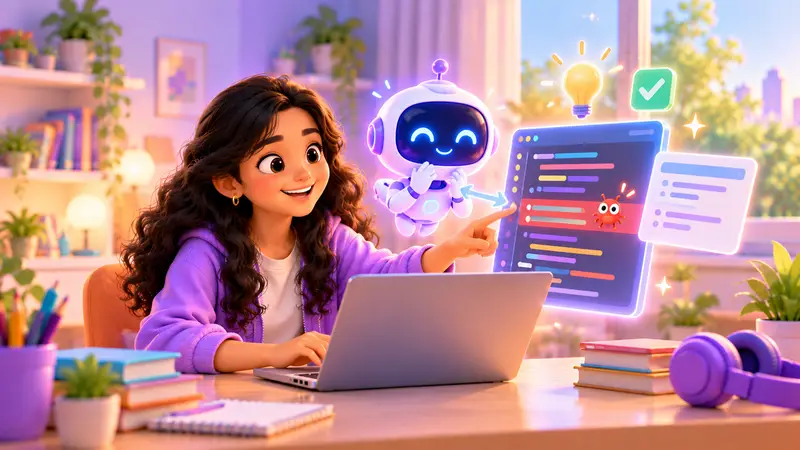
In our Vibe Coder: Build Websites with AI course, kids describe a website in plain English, build it with AI, and then make it their own. They build a personal portfolio site, a website for a family shop or school club, a small browser game and an AI-powered tool. Most importantly, they are taught to understand and check the code, not just paste it. Learn more in our guide: What is vibe coding?
Step 3: code AI themselves (ages 12 and up)
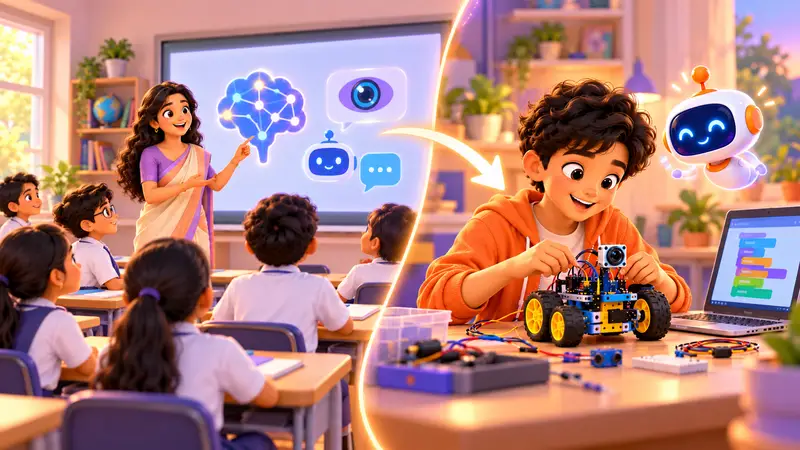
With Python Programming, kids get an introduction to AI libraries and build a chatbot. With Raspberry Pi Robotics, they build robots that see and listen, like a camera-guided rover and a voice-controlled assistant, using basic computer vision.
Real AI projects our students have built
Our students have built projects like an AI vision smart dustbin, an AI gesture-control robot, an AI agricultural robot, a gen AI e-waste robot, an AI teacher robot and an AI smart mirror. You can watch some of them in our student projects.
These projects show what is possible when kids combine AI with robotics and coding: real tools that solve real problems.
Simple AI activities to try at home
You do not need special tools to start conversations about AI:
- Spot the AI. Walk through a day together and list every place AI might be used: phone keyboards, video suggestions, maps, voice assistants.
- Teach a “human robot”. Ask your kid to give you exact instructions to make a sandwich. When you follow them too literally, they learn why computers need clear instructions.
- Find the mistake. Ask an AI chatbot a question together, then check the answer in a book or trusted website. Did it get anything wrong?
- Sort and guess. Mix up pictures of animals and ask your kid to explain how they would teach a computer to sort them.
- Ask “who made it?” For every AI tool, talk about who built it and what it is meant to do.
How to keep AI learning safe
AI is powerful, so kids need clear rules. Here is what we teach:
- Never share personal details like full name, address, school, phone number or photos with AI tools.
- Always check the answer. AI can sound confident and still be wrong.
- Use AI to learn, not to cheat. Ask it to explain, not to do the homework.
- Understand what it builds. If AI writes code, you should be able to explain what it does.
- Be kind and respectful, even with chatbots, and never use AI to make fun of others.
- Ask an adult when something feels strange, upsetting or unsafe.
Our approach: kids learn to use AI responsibly and check its answers, guided live by a trainer. AI becomes a tool for creating, not a shortcut for copying.
AI and school homework: a quick guide for parents
Many parents worry that AI will make kids lazy. It can, if it is used to copy. But used well, it can be a patient tutor. Here is a simple family rule:
| Good use of AI | Not a good use |
|---|---|
| “Explain this maths step another way” | “Solve my maths homework” |
| “Give me ideas for my science project” | “Write my project report” |
| “Check my code and tell me what is wrong” | “Write the whole program for me” without understanding it |
| “Quiz me on this chapter” | Copying answers without reading |
AI words every parent should know
You do not need to be a tech expert to talk about AI with your kid. These simple words cover most conversations:
| Word | What it means, simply |
|---|---|
| AI (artificial intelligence) | Computers that learn patterns and make decisions or create things |
| Machine learning | How AI learns: by looking at lots of examples |
| Chatbot | A program you can type or talk to, which answers in words |
| Prompt | The instruction or question you give an AI tool |
| Training data | The examples an AI learned from. If the examples are poor, the AI makes poor guesses |
| Computer vision | AI that understands pictures or video, like recognising a face |
| Hallucination | When AI makes up something that sounds true but is not |
Knowing these words helps you ask good questions, like “Where did the AI learn that?” or “How do you know it is not a hallucination?”
Signs your kid is ready for an AI course
- They ask how apps and chatbots work, not just how to use them.
- They enjoy puzzles, logic or building things.
- They can read and type comfortably, especially for building with AI from age 11.
- They want to make their own game, website or tool.
- They can follow simple rules, like never sharing personal details.
Younger kids who are not ready yet are not behind. Coding with Scratch or Python builds the exact thinking skills they will use with AI later.
Does my kid still need to learn coding?
Yes. Kids who understand how programs work are the ones who use AI best. They can spot when AI gets something wrong, fix it and build something better. That is why our AI learning always goes hand in hand with real coding.
Start your kid’s AI journey
Not sure where your kid should start with AI? In a free demo class, a trainer gets to know your kid and recommends the right path, whether that is Scratch, Python, Vibe Coder or AI robotics. Classes are live and 1-on-1, online or at our centre in Bellandur, Bangalore.
Book a free AI demo class and let your kid build something with AI.


 Chat on WhatsApp