
What Is Vibe Coding? Can Kids Build Websites with AI?
Vibe coding means describing what you want in plain English and building it with AI. What it is, whether kids can do it, and how to learn it the right way.
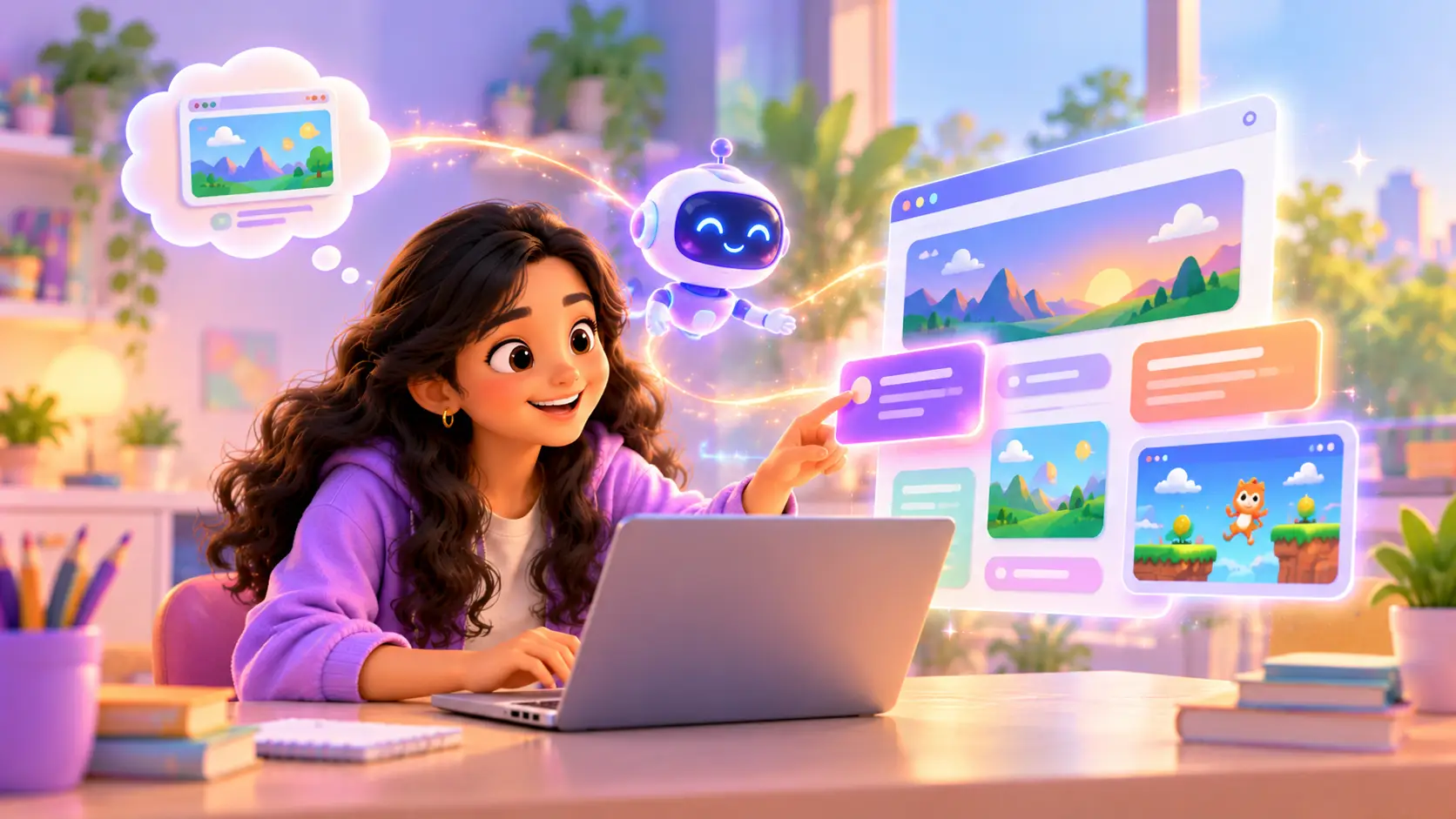
“Vibe coding” is one of the newest words in technology, and kids are already curious about it. The idea is simple and exciting: you describe what you want in plain English, and AI helps you build it.
But can kids really build websites this way? Is it real learning, or just copying? This guide explains what vibe coding is, walks through a real example, shows what can go wrong, and explains how kids learn it the right way.
What is vibe coding?
Vibe coding is a new way of building software. Instead of typing every line of code yourself, you:
- Describe what you want, like “a website for my cricket team with a scoreboard”
- Let AI build a first version
- Check, change and improve it until it is exactly what you want
The “vibe” is the idea in your head. AI helps turn it into something real, much faster than before. But the person still decides what to build, checks that it works, and improves it.
Can kids really build websites with AI?
Yes, and it is a brilliant way for kids to see their ideas come to life quickly. In our Vibe Coder: Build Websites with AI course, kids aged 11 to 18 build:
- a personal portfolio site
- a website for a family shop or school club
- a small browser game
- an AI-powered tool
One of our students built a Planet Weight Explorer, a web app that shows how much you would weigh on other planets. You can watch it in our student projects.
A real example: from idea to website
Here is how a vibe coding session might go for a kid who wants a website for their school science club.
1. The idea. “I want a website for our science club with a list of our experiments and a sign-up button.”
2. A clear prompt. The trainer helps the kid make the idea specific:
“Make a simple, colourful one-page website for a school science club. Add a big title, a short welcome paragraph, a list of three experiments with a picture placeholder for each, and a sign-up button at the bottom. Use friendly colours and make it look good on a phone.”
3. The first version. AI builds the page in seconds. It looks good, but not perfect.
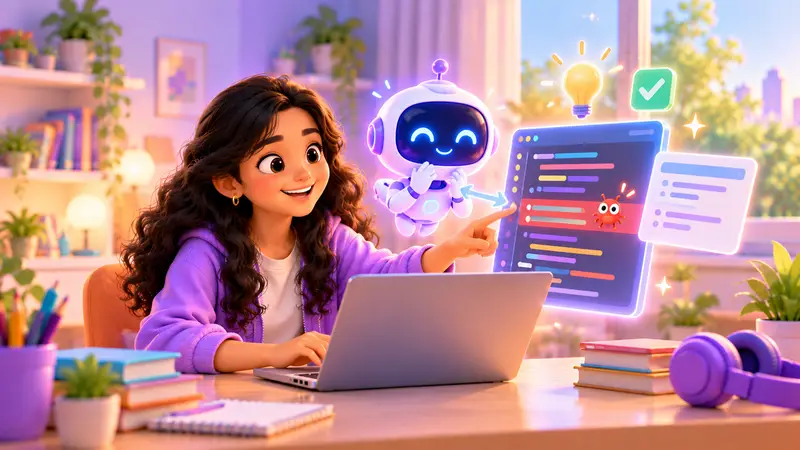
4. Checking and fixing. The kid notices problems: the button does nothing, one heading is too big, and the page looks squashed on a phone. Now the real learning starts. The trainer helps the kid read the HTML and CSS, find the parts that control these things, and fix them, sometimes by changing the code directly, sometimes by asking the AI a better question.
5. Making it theirs. The kid adds their own photos, changes the colours, writes their own text, and publishes the site.
By the end, the kid has not only a website, but an understanding of how it works.
The big question: is it real learning?
This is where many parents worry, and they are right to ask. If AI does everything, what does the kid learn?
That is why how kids learn vibe coding matters. In our course, kids are taught to understand and verify the code, not just paste it. They learn:
- writing clear prompts, explaining exactly what they want
- HTML, CSS and JavaScript basics, the building blocks of every website
- finding and fixing mistakes, because AI often gets things slightly wrong
- publishing a site, so the world can see it
- using AI responsibly and checking its answers
AI is the helper, your kid is the builder. Kids who understand the code AI writes can fix it, improve it and build things AI alone never could.
Weak prompts vs strong prompts
The quality of what AI builds depends on how clearly kids describe their idea. This is one of the first things we teach:
| Weak prompt | Strong prompt |
|---|---|
| “Make a game” | “Make a simple browser game where a basket moves left and right with the arrow keys and catches falling apples. Show the score at the top.” |
| “Make my website nicer” | “Make the headings bigger, use a light blue background, and put the three project cards side by side on a laptop and stacked on a phone.” |
| “Fix it” | “The sign-up button does nothing when I click it. Explain why, then fix it.” |
A strong prompt says what to build, how it should look, and how it should behave. Learning to write like this helps kids in every subject, because it is really about clear thinking.
What can go wrong, and how kids fix it
AI is impressive, but it is not perfect. Learning to spot and fix its mistakes is one of the most valuable parts of vibe coding:
| What goes wrong | How kids learn to fix it |
|---|---|
| A button or link does nothing | Read the JavaScript and find the missing step |
| The page looks broken on a phone | Adjust the CSS so it fits small screens |
| The AI misunderstood the idea | Rewrite the prompt more clearly |
| Something worked, then broke after a change | Compare versions and find what changed |
| The AI made up information | Check facts and replace them with real content |
Each fix teaches a real coding skill.
Why vibe coding is a great skill for kids
It turns ideas into real projects, fast
Kids do not lose interest waiting weeks to see results. They can build something real in a single class, like a page for their cricket team or a quiz for their friends. That quick win builds excitement, and it gives them the motivation to go deeper and understand how it all works.
It teaches clear thinking
To get good results from AI, kids must explain their idea clearly and step by step. That is a skill for every subject, from essays to science projects.
It builds real coding knowledge
Because they read and fix the code, kids learn how websites really work: HTML for the structure, CSS for the look, and JavaScript for what happens when you click. Every mistake AI makes becomes a small lesson, so over time kids can change the code themselves without asking AI at all.
It prepares them for the future
More and more software is being built with the help of AI. Kids who know how to direct it well, and check its work, have a real head start.
Vibe coding vs traditional coding
| Traditional coding | Vibe coding | |
|---|---|---|
| How you start | Type every line | Describe your idea |
| Speed to first result | Slower | Very fast |
| What kids must learn | Syntax and logic | Clear prompts, logic and checking code |
| Great for | Understanding how code really works | Turning big ideas into projects quickly |
The best path is to learn both. Many kids start with Python to understand how code works, then use vibe coding to build bigger ideas faster. Read our Scratch vs Python guide to see where coding usually begins.
Who is vibe coding best for?
Vibe coding is a great fit for kids aged 11 to 18 who:
- have lots of ideas and want to see them built quickly
- love design, colours and making things look good
- want a real project to show, like a portfolio or a club website
- are curious about AI and how to use it well
- have tried coding before, or are happy to learn the basics along the way
Younger kids, or kids who want to understand programming from the ground up first, often start with Scratch or Python, and come to vibe coding later.
Is vibe coding safe for kids?
With guidance, yes. Kids should never share personal details with AI tools, should always check what AI builds, and should use it to create, not to copy homework. Our trainers guide every step live. Read more in our guide to AI for kids.
How parents can support at home
- Ask to see the website and have your kid explain one part of the code.
- Suggest real projects: a family recipe site, a birthday invitation page, a quiz for a sibling.
- Talk about checking: “How do you know the AI got that right?”
- Celebrate publishing: share the finished site with family.
Let your kid build their first AI website
In a free demo class, your kid can describe an idea and start building it with AI, guided by a trainer. Classes are live and 1-on-1, online or at our centre in Bellandur, Bangalore. All your kid needs is a laptop.


 Chat on WhatsApp