
AI and Coding in CBSE Schools: What Parents Need to Know
CBSE schools now teach AI and coding from Class 6. What it covers, how much time it really is, and how to help your kid build real projects.
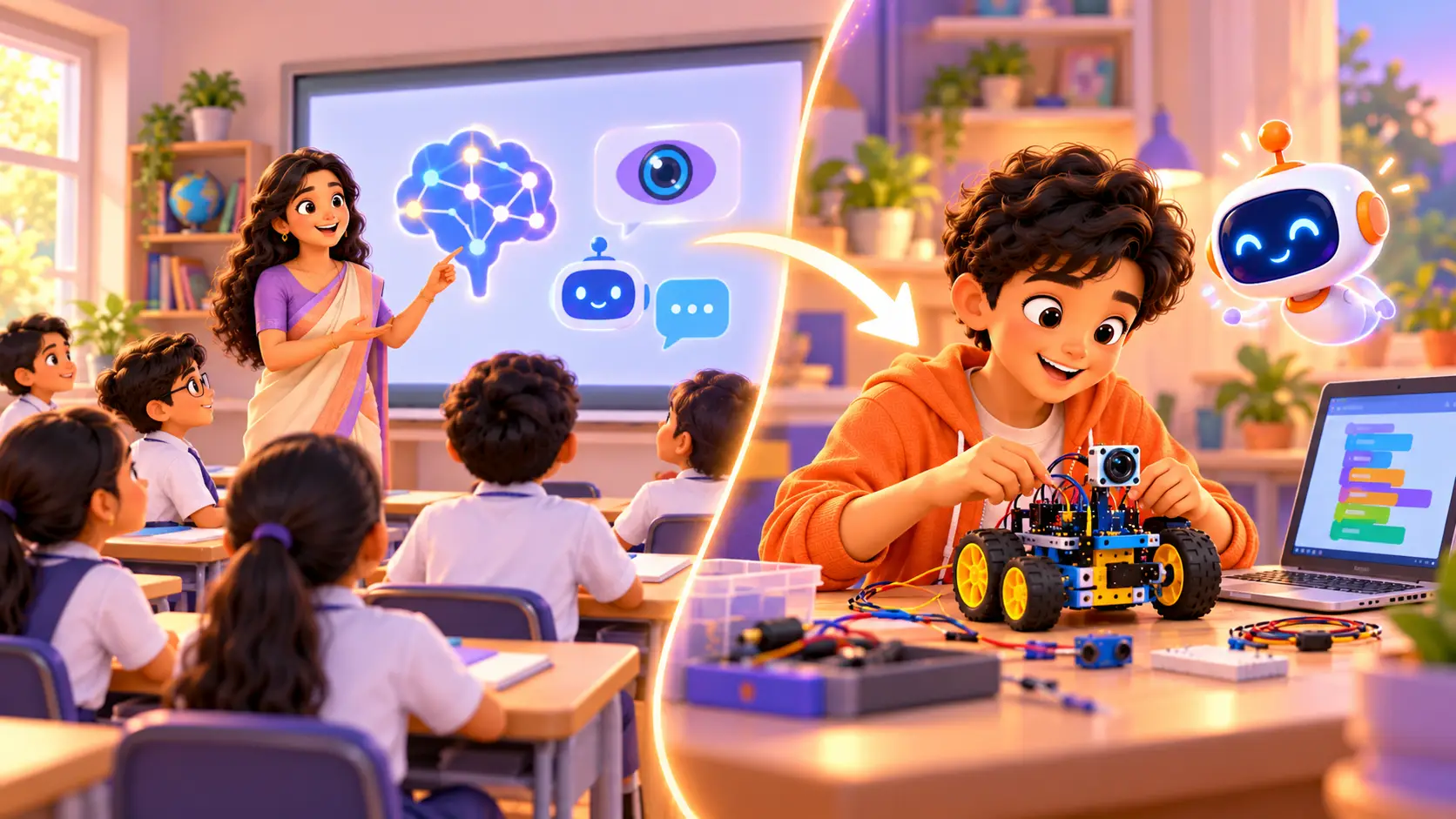
Coding and artificial intelligence are now part of school in India. If your kid is in a CBSE school, they may already be learning about AI in Class 6. But what does that actually mean, and is it enough?
This guide explains what CBSE schools teach, how much time it really is, what kids learn and do not learn, and how you can help your kid go further and build real projects.
What CBSE now teaches
Classes 6 to 8: short skill modules
CBSE introduced coding and data science for Classes 6 to 8 from the 2021-22 session, framed in partnership with Microsoft, as part of the push for practical skills under the National Education Policy (NEP) 2020. Many schools also offer AI as a skill module from Class 6.
In a reply in Parliament in August 2025, the government said 18,839 CBSE schools offer AI as a skill subject or module from Class 6 onwards (Careers360 report).
Classes 9 to 12: an optional subject
From Class 9, AI is offered as an optional subject. Students who choose it study AI ideas in more depth, often alongside computer science.
Check with your school. Each school chooses which modules and subjects to offer, and details can change from year to year. Ask your kid's school what is taught in their class this year.
How much time is it really?
This is the part most parents do not realise. For Classes 6 to 8, the skill modules are short. A CBSE circular described them as 12 to 15 hours, with about 70% hands-on activities and 30% theory. Schools are encouraged to run them on activity days, in vacation time or in summer camps, so they may not appear in the regular timetable.
That is a valuable start, but it is roughly the same as 12 to 15 one-hour classes in a whole year.
What kids learn, and what they do not
What school modules do well:
- introduce what AI is and where it is used
- explain ideas like data, patterns and machine learning
- give first experiences with coding and simple tools
- spark curiosity
What usually is not possible in the time available:
- building a complete project from start to finish
- writing real code for long enough to become confident
- connecting AI to hardware like cameras, sensors and robots
- fixing their own mistakes with someone beside them
- a portfolio of work they can show
With a class of 30 to 40 students and a few hours a year, teachers can only cover the basics. That is not a criticism of schools. It is simply how much time there is.
School modules vs real project building
| School AI module | Real project building | |
|---|---|---|
| Time | About 12 to 15 hours a year | Regular weekly classes |
| Class size | A full classroom | 1-on-1 |
| Focus | Ideas and introduction | Building working projects |
| Code | A first taste | Real Python and more |
| Hardware | Rare | Robots, cameras and sensors |
| Result | Understanding the basics | Projects your kid built and can explain |
What real AI projects look like
When kids move beyond the basics, they build things like:
- an AI chatbot with its own personality, in Python
- an AI quiz maker that writes questions on any topic
- a camera-guided rover that sees with computer vision
- a voice-controlled assistant on a Raspberry Pi
- AI-powered websites they describe, build and check
Our students have built projects like an AI vision smart dustbin, an AI smart mirror and an AI teacher robot. See some in our student projects, and try some yourself in 15 Python projects for kids.
AI words your kid will meet at school
| Word | What it means, simply |
|---|---|
| Artificial intelligence | Computers that learn patterns and make decisions or create things |
| Data | The information AI learns from, like pictures, numbers or text |
| Machine learning | How AI learns, by finding patterns in lots of examples |
| Algorithm | A set of steps to solve a problem |
| Computer vision | AI that understands images and video |
| Bias | When AI learns unfair patterns from poor or one-sided data |
Knowing these words helps you have real conversations about what your kid learned in class.
Class 9 to 12: should my kid choose AI as an optional subject?
It can be a good choice if your kid:
- enjoys logic, puzzles and computers
- is curious about how AI tools work
- is thinking about engineering, computer science or data careers
Before choosing, ask the school how the subject is taught and how much is practical. Kids who have already built projects with Python and AI usually find the optional subject easier and more interesting, because the ideas are not new to them.
Project ideas by class, beyond the school module
These are the kind of projects kids can build when they have time to go further than the school syllabus:
| Class | Project ideas | Skills |
|---|---|---|
| 6 to 8 | A quiz game, a rule-based chatbot, a micro:bit step counter, a smart night light | Logic, loops, sensors, first Python |
| 9 to 10 | An AI chatbot with a personality, a weather station that sends data online, a face-detection camera | Python, APIs, IoT, computer vision basics |
| 11 to 12 | An AI waste-sorting robot, a voice assistant, an AI-powered website, a data project on a real problem | Complete systems, AI libraries, building and checking with AI |
Projects like these also make strong entries for school exhibitions. See 25 robotics project ideas for science exhibitions and 15 Python projects for kids.
A simple plan to go further this year
- Term 1: learn the coding basics properly, such as Scratch or Python, with one small project a month.
- Term 2: build one bigger project linked to what the school module covers, like a chatbot after the AI unit.
- Holidays: try hardware, a robot or a sensor project, to see AI and coding in the real world.
- End of year: put the projects together in a portfolio your kid can show teachers and, later, colleges.
For the official subject details, check CBSE’s academic website.
How to find out what your school offers
Ask these questions at the next parent-teacher meeting:
- Which AI or coding modules does my kid’s class have this year?
- How many hours are they, and when do they happen?
- What tools or languages do they use?
- Do students build their own projects?
- Is AI offered as an optional subject from Class 9?
How to support your kid at home
- Ask what they learned in their AI class, and what surprised them.
- Connect it to daily life: voice assistants, maps, video suggestions.
- Encourage a small project: a chatbot, a quiz, a smart gadget.
- Teach safe AI habits: never share personal details, and always check AI answers. Read AI for kids: how to learn safely.
- Give it regular time, even an hour a week. Skills grow with practice.
- Look at their work together. Ask them to explain one project to you, and keep finished projects in a folder they can show teachers.
How RoboticSchools helps kids build real AI projects
School gives the introduction. We help kids build.
- Python Programming (ages 9 to 18): real coding, a chatbot and small AI projects
- Vibe Coder (ages 11 to 18): build websites with AI, then read and check the code
- Raspberry Pi Robotics (ages 12 to 18): robots that see, listen and decide
Classes are live and 1-on-1, so your kid gets the trainer’s full attention. Every project goes into your kid’s personal dashboard portfolio, and they earn a certificate as they finish each level. AI tools are used with a trainer, with parents’ permission.
Wondering whether coding still matters with AI around? Read Is coding still worth learning now that AI can write code?
Turn school AI lessons into real projects
In a free demo class, your kid builds something real with a trainer, and you see the difference between learning about AI and building with it. Online or at our centre in Bellandur, Bangalore.


 Chat on WhatsApp