
Python for GCSE Computer Science: How RoboticSchools Helps UK Students
How learning Python helps UK students with GCSE Computer Science: what AQA, OCR and Edexcel test, what our Python course covers, and when to start.
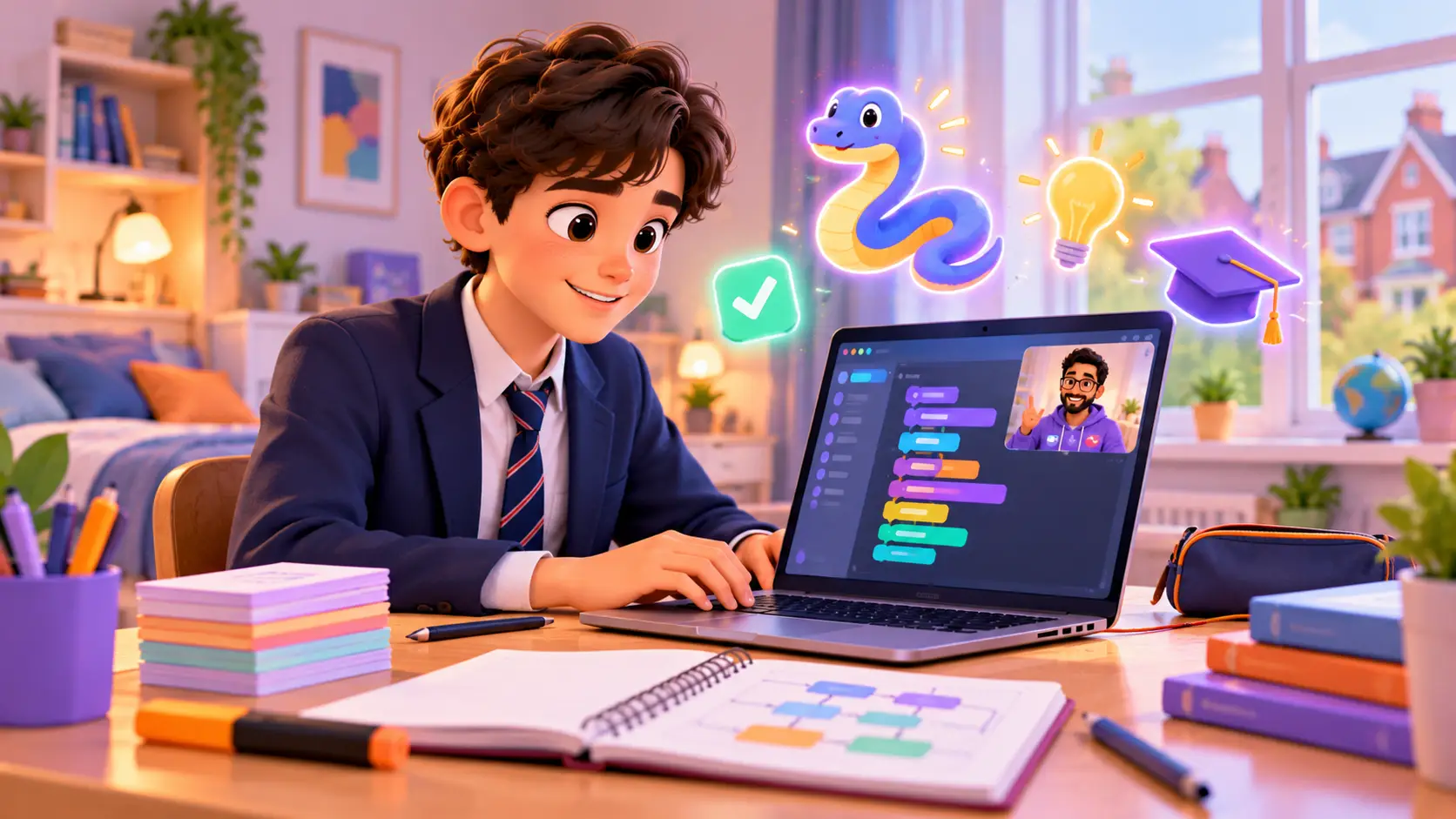
GCSE Computer Science is one of the most useful GCSEs a student can take. It is also one of the subjects students most often find hard, and the reason is usually the same: programming.
Writing code in an exam, under time pressure, is very different from copying it from a slide in class. Students who have spent real time writing their own programs walk into that exam calm. Students who have not often freeze.
This guide explains what GCSE Computer Science tests, where Python fits for each exam board, what our Python Programming course covers, what it does not, and the best time to start.
What GCSE Computer Science tests
Most schools in England use one of three exam boards for GCSE Computer Science: AQA, OCR or Pearson Edexcel. Each GCSE has two exams, graded 9 to 1. There is no coursework that counts towards the grade, so programming skills are tested in the exams themselves.
Roughly speaking, the two exams split like this:
- A theory paper: how computers work. Hardware, binary and data, networks, cyber security, ethics and law.
- A programming paper: computational thinking, algorithms and writing real code.
The programming paper is where Python matters most.
Where Python fits, board by board
| Exam board | The programming paper | Where Python comes in |
|---|---|---|
| AQA (8525) | Paper 1: Computational thinking and programming skills. A 2-hour written exam, worth 50% | Students write code answers in the language their school teaches, and Python is one of the options |
| OCR (J277) | Paper 2: Computational thinking, algorithms and programming. A 1 hour 30 minute written exam | In Section B, students write code in OCR’s Exam Reference Language or a high-level language such as Python |
| Pearson Edexcel (1CP2) | Paper 2: a 2-hour on-screen practical exam, worth 50% | Students write, test and fix programs on a computer, in Python 3 |
AQA has updated its specification, with first exams in summer 2027. For the latest details, check your board’s official page: AQA, OCR or Pearson Edexcel.
Ask the school which board it uses. It changes what the programming exam looks like. Edexcel students code on a computer in Python. AQA and OCR students write code by hand on paper, so they need to know Python well enough to write it without a computer to check it.
Why hands-on Python practice makes such a difference
School lessons are short, and classes are large. Many students only write code in lessons, and only for part of each lesson. That is rarely enough to become fluent.
Fluent programmers have three things the exam rewards:
- They read code quickly. They can look at a program and say what it does, which is exactly what “what does this code output?” questions ask.
- They write code from a blank page. They know how to start, not just how to edit someone else’s program.
- They fix their own mistakes. They read error messages, test with different inputs and find the bug, which the “refine” and “debug” questions test.
These come from building many small programs, not from reading notes. That is how our classes work: in every class, your kid writes and runs real code.
A GCSE-style task in Python
Here is the kind of task GCSE programming questions ask for: a program that keeps asking for an input until it is valid. This is called input validation, and it is part of GCSE programming.
# Ask for an age between 11 and 18, and keep asking until it is valid
age = -1
while age < 11 or age > 18:
    entry = input("Enter your age (11 to 18): ")
    if entry.isdigit():
        age = int(entry)
        if age < 11 or age > 18:
            print("That age is out of range. Try again.")
    else:
        print("Please type a whole number.")

print("Thank you. Your age is", age)
In a few lines, it uses variables, input, casting (turning text into a number), selection (if and else), iteration (a while loop) and Boolean operators (or). A student who can write this confidently has already covered a big part of the GCSE programming content.
What our Python course covers, mapped to GCSE
Our Python course has 3 levels, 50 classes and 23 projects. Here is how its topics line up with the programming content of GCSE Computer Science.
| GCSE programming topic | Where it is in our Python course |
|---|---|
| Variables, constants and data types | Foundation: variables and data types |
| Casting (changing data types) | Foundation: type conversion |
| Arithmetic, comparison and Boolean operators | Foundation: operators and expressions, logical operators |
| Input and output | Foundation: user input and output |
Selection (if, elif, else) |
Foundation: conditional statements, nested conditions |
Iteration (for and while loops) |
Foundation: loops, nested loops, loop control |
| String handling | Foundation: string manipulation and f-strings |
| Arrays and 2D arrays | Foundation: lists and nested data structures |
| Records | Foundation: dictionaries, Python’s way to store record-style data |
| Subroutines, parameters and return values | Foundation: functions, parameters, return values |
| Local and global variables | Foundation: scope and lifetime of variables |
| Random numbers | Developer: Python libraries (random, math, datetime) |
| Reading and writing files | Developer: file handling |
| Robust programs and handling errors | Developer: exception handling with try and except |
| Testing and debugging | Every project, from the first class |
The Foundation level alone covers most of the GCSE programming content. The later levels go beyond it.
What the course does not cover
We want to be clear about this. Our Python course is a programming course, not a GCSE revision course. It does not teach:
- the theory paper topics: hardware, binary and hexadecimal, networks, cyber security, logic gates, ethics and law
- SQL and databases
- pseudocode, flowcharts and OCR’s Exam Reference Language
- the standard searching and sorting algorithms by name, such as linear search, binary search and bubble sort, and trace tables
- exam technique and past paper practice
Your kid learns these at school. What Python gives them is the skill underneath: once a student writes Python comfortably, coding a bubble sort or tracing a loop by hand becomes a small step, not a wall.
Beyond GCSE: A level, projects and a portfolio
The later levels of the course take students well past GCSE:
- Developer level: object-oriented programming (classes, inheritance and polymorphism), file handling with JSON, and desktop apps with buttons and forms, like a calculator, a quiz app and a to-do list.
- AI Master level: computer vision and AI projects with the Gemini API, like a smart attendance system using face detection, a gesture-controlled game and an AI teacher bot with speech recognition.
Object-oriented programming is not in GCSE, but it is part of A level Computer Science, so students who carry on start A level already knowing it. Finished projects go into your kid’s personal dashboard portfolio, which is useful to show teachers, and later for sixth form and university applications.
Want to see what these projects look like? Read 15 Python projects for kids.
When should your kid start?
| School year | Age | What Python does for them |
|---|---|---|
| Year 7 to 8 | 11 to 13 | Builds a strong base early, with time to enjoy projects and grow confident |
| Year 9 | 13 to 14 | The ideal time. Helps them choose GCSE options knowing they enjoy coding, and start Year 10 ahead |
| Year 10 | 14 to 15 | Runs alongside the GCSE course and makes school programming lessons easier to follow |
| Year 11 | 15 to 16 | School revision comes first. Short, focused Python practice can still help with confidence |
Starting earlier is easier. A student who has been writing Python for a year before GCSE begins spends Year 10 and 11 using Python, not learning it.
How UK students learn with RoboticSchools
- Live 1-on-1 classes with a trainer, 1 hour each, online on video
- Only a laptop needed: no kit to buy, Python is free to install
- The trainer watches your kid’s screen and helps them fix their own mistakes, instead of fixing it for them
- Real projects, from a quiz app to an AI teacher bot
- A certificate for each level your kid finishes
- A personal dashboard with your kid’s project portfolio
- Students learning with us from more than 10 countries
Tell us your time zone when you book, and we will talk through class times that suit your family. Families in the USA can read our guide to online classes in the USA.
How to help your kid at home
- Find out the exam board and the language your school teaches.
- Ask your kid to explain one program they wrote this week. Explaining code is one of the best ways to learn it.
- Encourage small, regular practice: 20 minutes of writing code a few times a week beats one long session before an exam.
- Let them make mistakes. Red error messages are clues, not failures.
- Use past papers in Year 11. Your kid’s school and exam board share them for free.
Wondering whether coding still matters now that AI can write code? Read Is coding still worth learning now that AI can write code? Not sure whether to start with Scratch or Python? See Scratch vs Python.
Try a free demo class
In a free demo class, your kid meets a trainer live, writes a small Python program and gets an honest suggestion for where to start. No payment details are needed, just a laptop and a quiet corner.
Book a free demo class and tell us your time zone.

 Chat on WhatsApp