
Online Coding, Robotics and AI Classes for Kids in the USA: A Parent's Guide
Online coding, robotics and AI classes for kids in the USA, on US timings: what to look for, how live 1-on-1 classes work, and robotics kits at home.
There are hundreds of online coding classes for kids in the USA. Some are brilliant. Others are pre-recorded videos, or big group classes where your kid barely gets a turn.
This guide explains what to look for in online coding, robotics and AI classes, how live 1-on-1 classes work on US timings, how robotics works at home, and the questions to ask before you choose.
What US families look for in online classes
- Live teaching, not just videos
- Small classes or 1-on-1, so the trainer knows your kid
- Real projects that kids can show and explain
- Flexible timing around school, sports and activities
- A clear path that grows from elementary school to high school
- Value for money
Types of online classes you will find
| Type | What it is | Watch out for |
|---|---|---|
| Recorded video courses | Self-paced lessons | Hard to stay motivated, no help when stuck |
| Large live group classes | One teacher, many kids | Little personal attention |
| School and library clubs | After-school activities | Limited time, often fixed topics |
| Summer camps | Short intense programs | Learning stops when camp ends |
| Live 1-on-1 classes | A trainer with one kid | Check the trainers’ background |
How coding fits with US school
Many US schools now offer computer science classes, but time is often limited and classes are large. Two things matter for high schoolers:
- AP Computer Science A is taught in Java, so strong Java skills help.
- AP Computer Science Principles covers broad ideas like programming, data and the internet.
Coding outside school gives kids the time to build real projects, which helps with confidence, school work and, later, college applications. Our Java course (ages 13 to 18) builds the programming skills AP Computer Science A uses, though we do not teach the exam itself.
Classes on US timings
RoboticSchools is based in Bangalore, India, but classes for US families run on US timings. Your kid learns in your own time zone, whether you are on Eastern, Central, Mountain or Pacific time.
- After school on weekdays, or
- At weekends, morning or afternoon
Tell us your time zone and the days that suit your family, and we will set up a regular class time that fits around school, sports and activities.
Robotics at home: kits shipped to the USA
“Can my kid really learn robotics online?” Yes, with the kit at home and a live trainer.
- Buy the course kit from us, and we ship it to your home. Any import duties depend on your country’s rules.
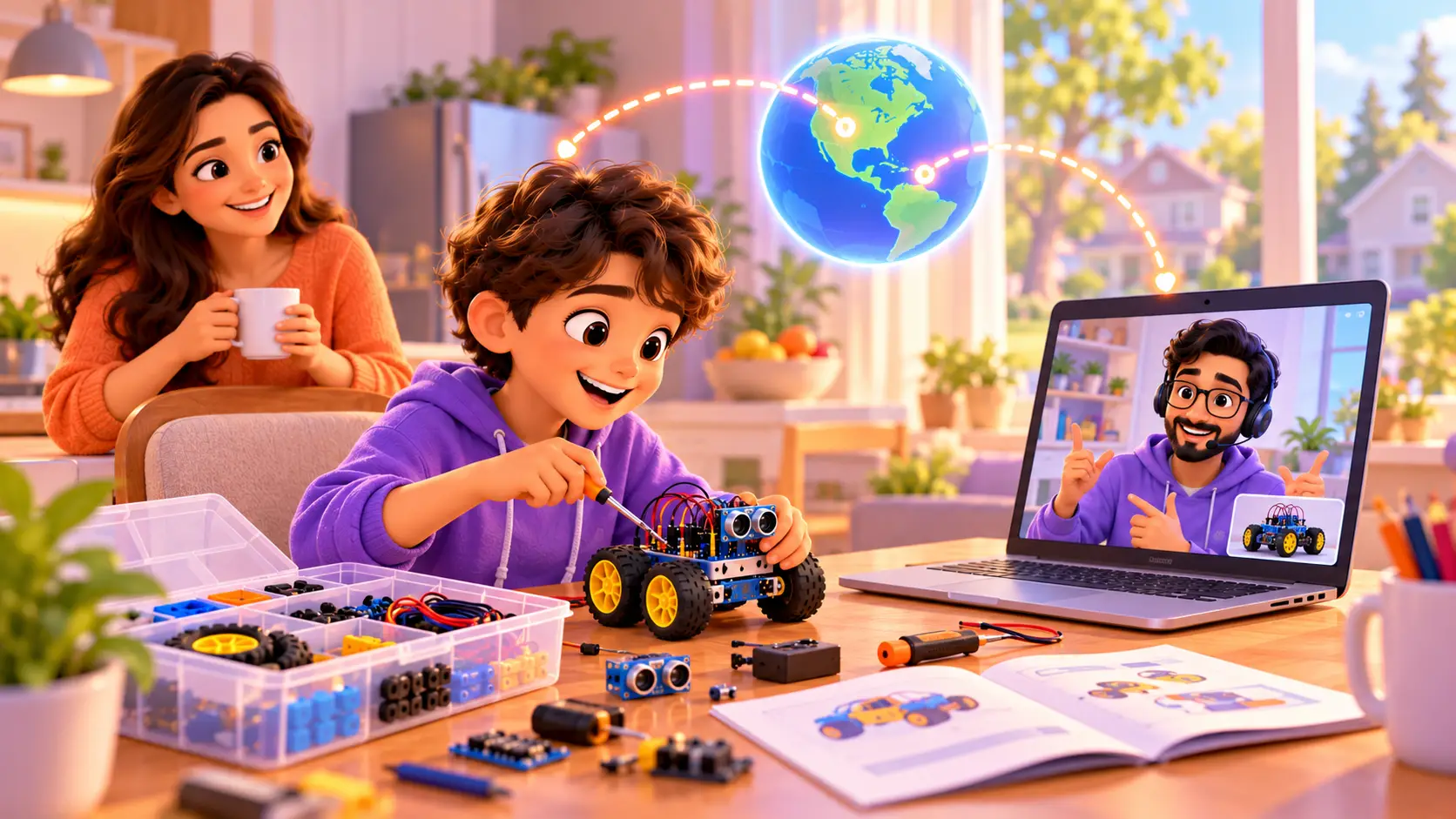
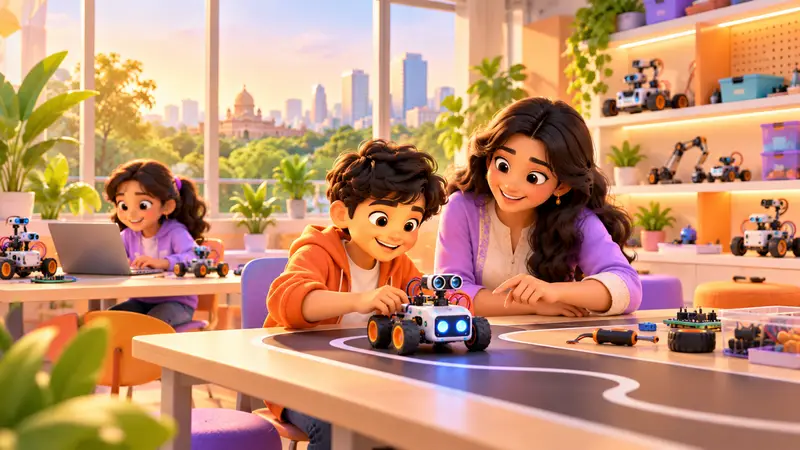
- Your kid builds with their own hands while the trainer watches on camera and guides each step.
- The kit stays with your kid, so they can keep building between classes.
Coding courses like Python, Java and Vibe Coder need only a laptop. Read our full comparison of online vs offline robotics classes.
Online classes vs local after-school programs
| Local after-school program | Live online 1-on-1 | |
|---|---|---|
| Travel | Drive to a center | Learn from home |
| Group size | Often 8 to 15 kids | One kid, one trainer |
| Timing | Fixed schedule | Arranged around your family |
| Pace | Set by the group | Set by your kid |
| Robotics | Shared kits at the center | Your own kit at home |
Both can work. Online 1-on-1 classes suit busy families, kids who move fast or need more support, and families who want a robotics kit at home.
Setting up for a great online class
- A laptop or desktop with a stable internet connection
- A webcam that can tilt towards the desk, so the trainer can see the robot
- A clear table with space for the kit
- A quiet corner, and headphones if the house is busy
- A box with sections to keep small parts safe between classes
Younger kids settle in faster with a parent nearby for the first few classes.
Robotics and coding competitions in the USA
Competitions give kids a goal, a team and a reason to push their skills further. Popular options for US students include:
- FIRST LEGO League, for about ages 9 to 16, combining a robot game with a research project
- VEX IQ Robotics Competition, for elementary and middle school teams
- FIRST Tech Challenge, for middle and high school students building larger robots
- USA Computing Olympiad, an online programming contest for pre-college students, mostly in high school
RoboticSchools helps students prepare for and take part in US robotics and coding competitions. Classes build the skills competitions test: building and wiring, sensors, reliable code, debugging and explaining your work to judges. Because classes are 1-on-1, the trainer can focus on your kid’s own robot, code and competition goals. Read our guide to preparing for robotics competitions for a 12-week practice plan.
What a first online class looks like
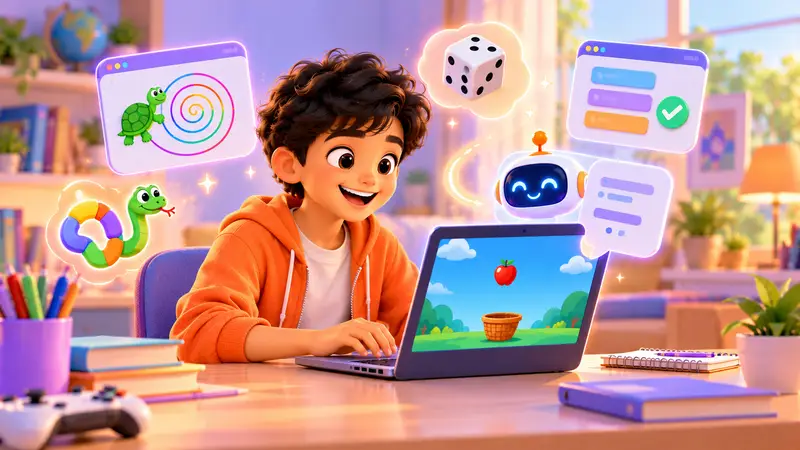
- Hello and a quick chat about what your kid enjoys and has tried before.
- A small build or program, chosen for their age, such as a game, an animation or a blinking light.
- Your kid does the work, sharing their screen while the trainer guides each step.
- A working result they can show you at the end.
- An honest suggestion for the right course and level, with no pressure to join.
Parents are welcome to sit nearby, especially for younger kids.
What to look for in any online class
- Is it live? A trainer should see your kid’s screen or robot.
- How many kids per class? 1-on-1 gives the most attention.
- Does every class end with a real project?
- Who are the trainers? Engineers who build things can answer the “why”.
- Is there a clear path for the next few years?
- Can you see progress? Look for a portfolio, not just certificates.
- Is there a free trial? Never pay before your kid has tried a class.
For a full checklist, see how to choose the best coding class, and our guide to what coding and robotics classes cost.
Which course suits your kid?
| Age (US grade) | A good first course |
|---|---|
| 6 to 10 (grades 1 to 5) | Scratch Programming |
| 7 to 11 (grades 2 to 6) | Micro:bit Robotics |
| 9 to 18 (grades 4 to 12) | Python Programming |
| 10 to 15 (grades 5 to 10) | Arduino Robotics |
| 11 to 18 (grades 6 to 12) | Vibe Coder: Build Websites with AI |
| 13 to 18 (grades 8 to 12) | Java Programming |
Not sure? Read the right age to start coding and robotics.
How you see your kid’s progress
You do not have to guess what your kid is learning. Every student has a personal dashboard with a portfolio of the projects they build, and they earn a certificate for each level they finish. Parents can sit in on classes, and the trainer is happy to share honest feedback on how your kid is doing and what comes next.
Learning AI safely
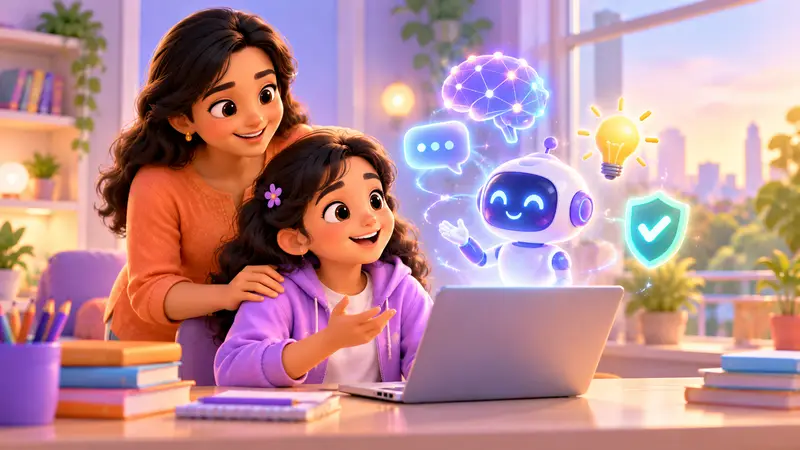
AI is everywhere, and kids are curious. In our classes, kids learn to build with AI and to check what it writes. AI tools are used with a trainer, with parents’ permission, and kids never share personal details with AI. Read Is coding still worth learning now that AI can write code? and AI for kids: how to learn safely.
Why families abroad choose RoboticSchools
- Live 1-on-1 classes with a trainer, usually 1 hour each
- Classes on US timings, after school or at weekends, in your own time zone
- Help preparing for US robotics and coding competitions
- Hands-on projects in every class
- Robotics kits shipped to your home, anywhere in the world
- A full path for ages 5 to 18, from Scratch to Python, Java, robotics and AI
- A personal dashboard with your kid’s project portfolio, and a certificate for each level
- Simple monthly fees, with the exact fee shared after the free demo
- Students learning with us from more than 10 countries
“I am also a really big fan that the classes are on Zoom and the schedule fits your needs.”
Sriram Chava, student (Google review)
Try a free demo class
In a free demo class, your kid meets a trainer live, builds something small and gets an honest course suggestion. No payment details are needed, just a laptop and a quiet corner.
Book a free demo class and tell us your time zone.


 Chat on WhatsApp